
Nano Banana is Google’s image model for making and editing pictures from words and reference images (Google’s Nano Banana documentation). Longer prompts are not what makes its images good. What works is deciding what the image is for, telling the model exactly which job each reference image does, and checking the result before it becomes the next image’s input. This is how Bald Rhino’s agent works with it, and every image below came out of a real production.
-
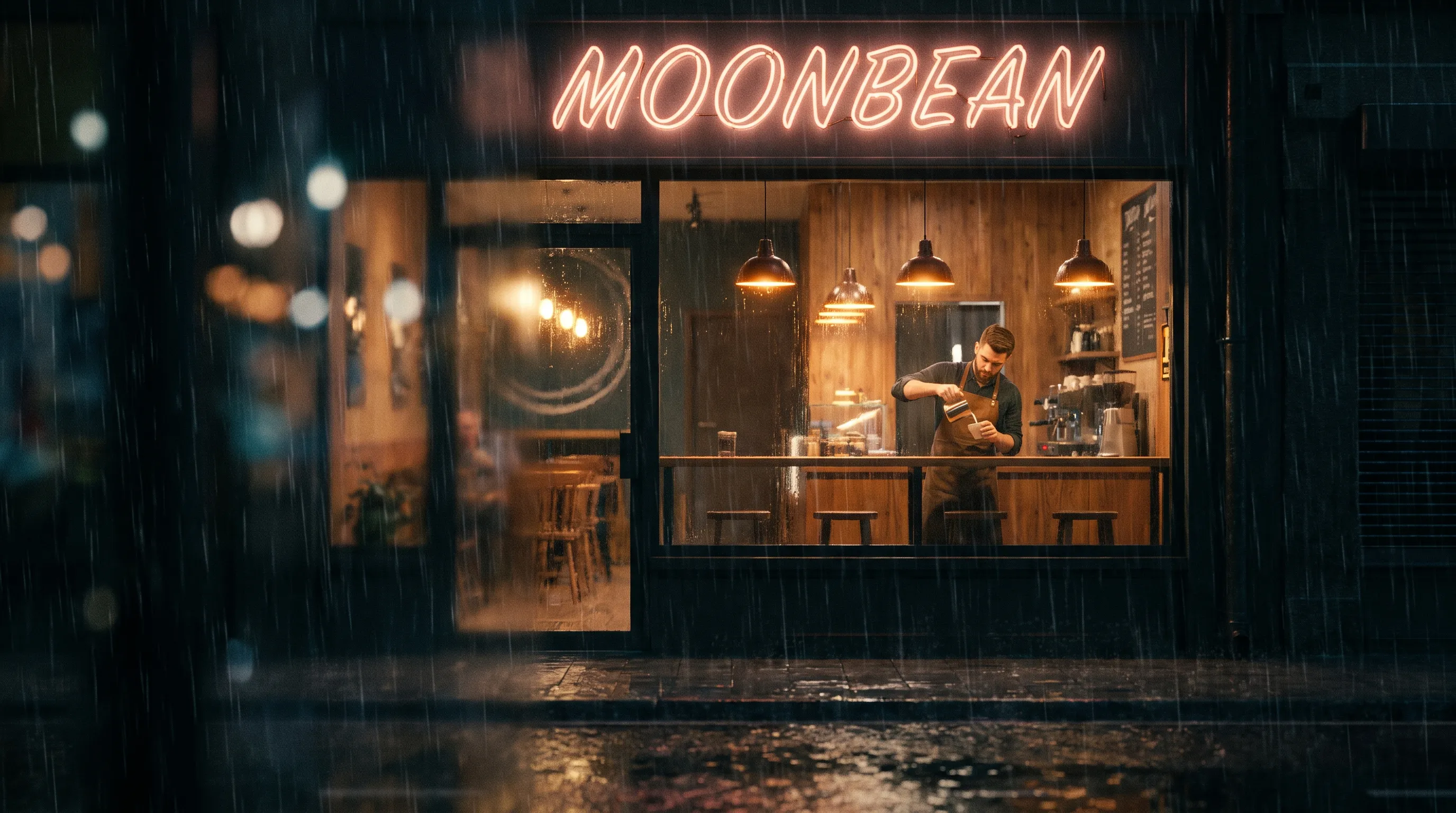
Neon lettering · Nano Banana Pro Cinematic 16:9 night exterior shot of a cozy coffee shop, viewed from the rainy street looking in through a large rain-streaked window… a neon sign glows in cursive-script lettering reading exactly "MOONBEAN"… -
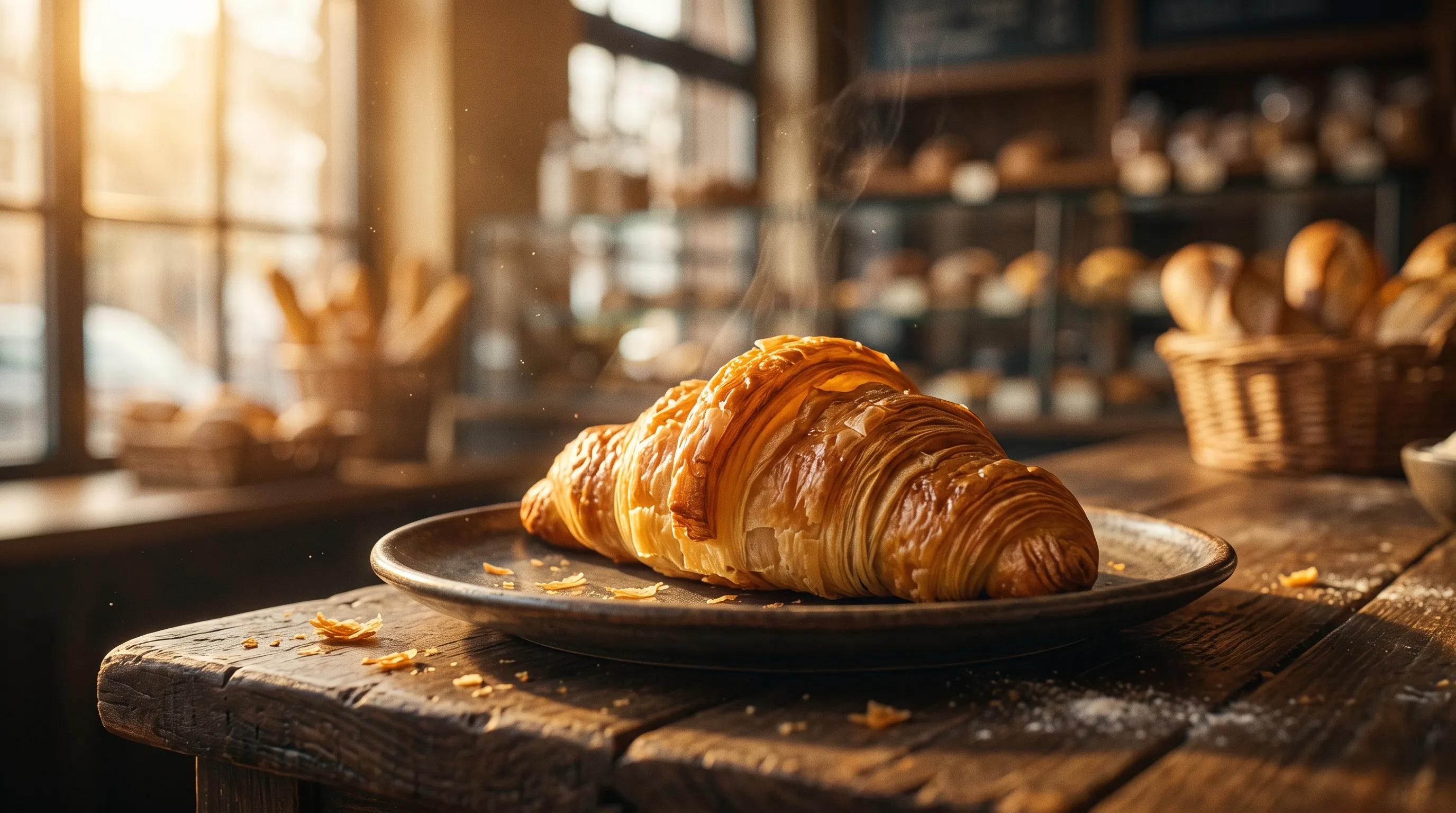
Food commercial Premium cinematic food commercial still, 16:9. A perfect golden, flaky croissant on a rustic plate on a wooden bakery counter, fresh steam rising, flakes of pastry catching warm backlight… -
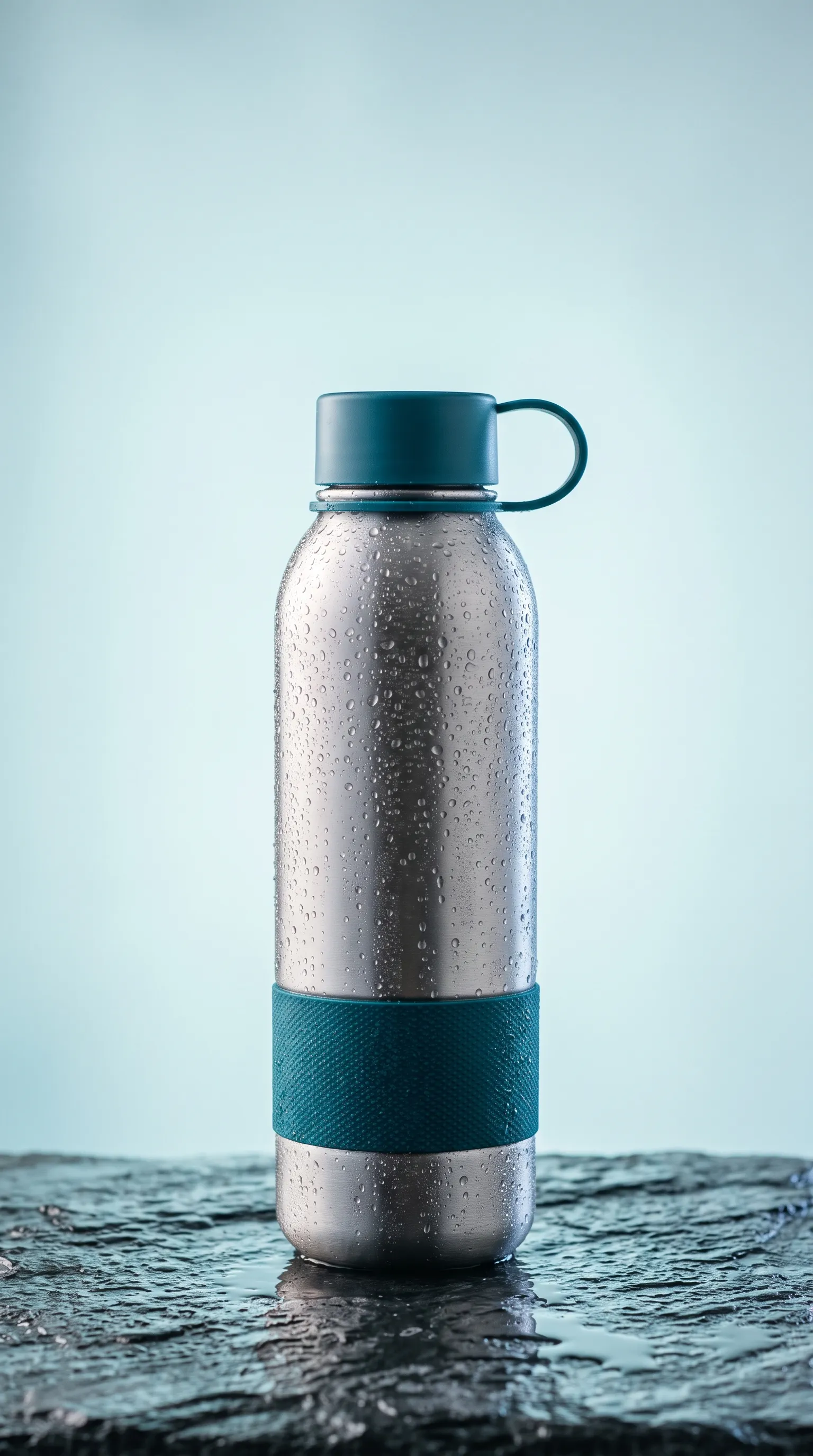
Product photo Create a premium product photo for a reusable water bottle ad… clean negative space above the bottle for headline text. The bottle is plain: no lettering, numbers, logos or watermarks. -
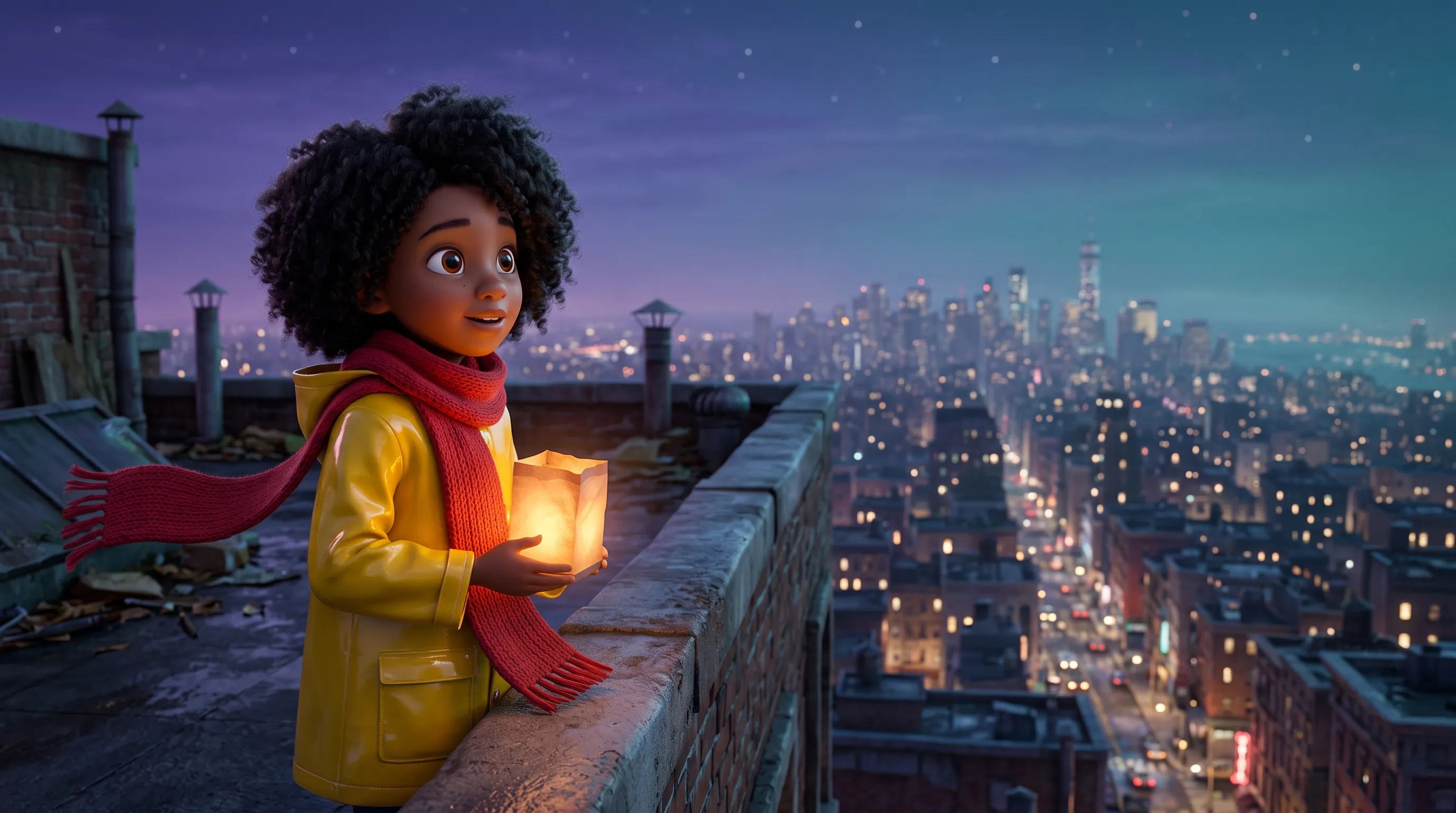
Animated feature still Still from a high-end stylized 3D animated feature film. A 10-year-old girl named Lia with big expressive brown eyes, warm brown skin, a voluminous cloud of curly black hair… -
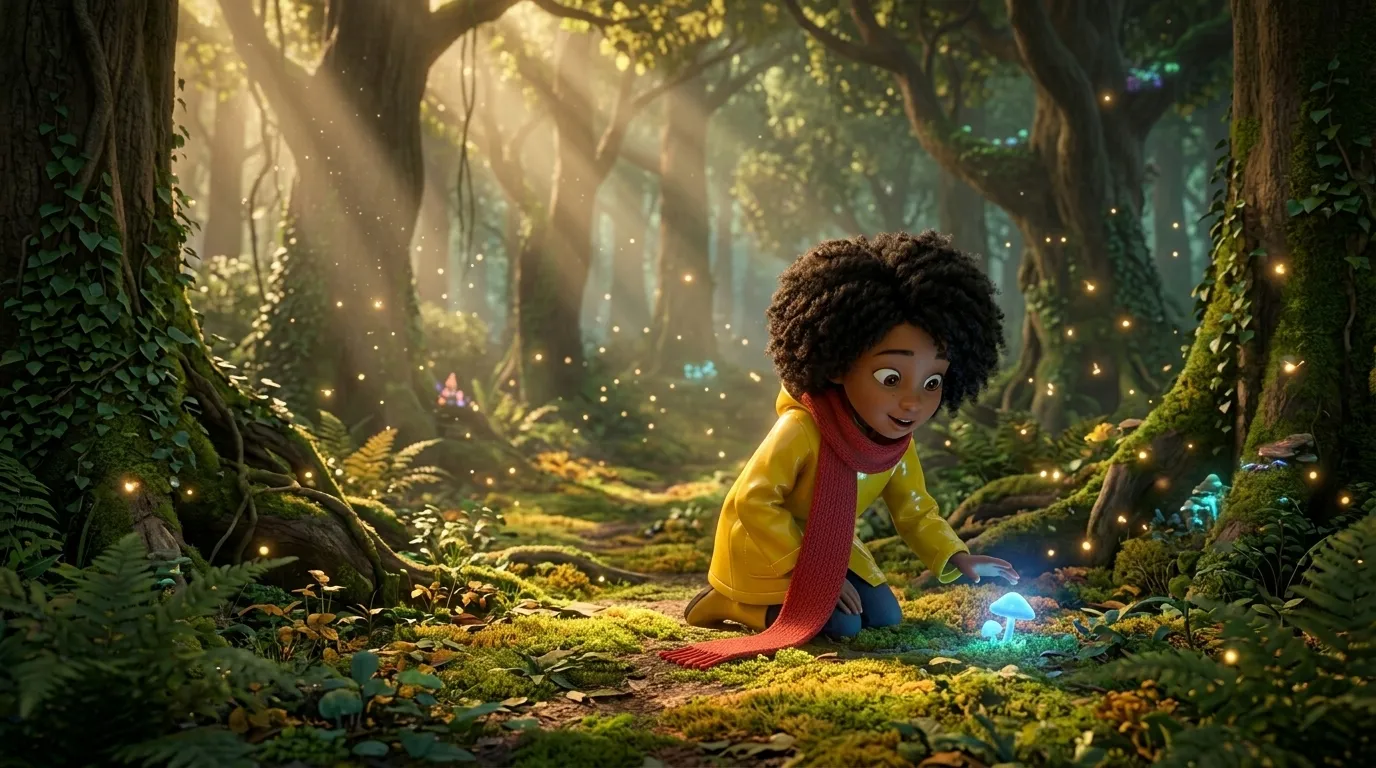
Same character, new scene Using Image 1 only for Lia's character design… and the stylized 3D animated feature film rendering: create a new scene. Lia kneels on a mossy path in an enchanted forest at golden hour… -
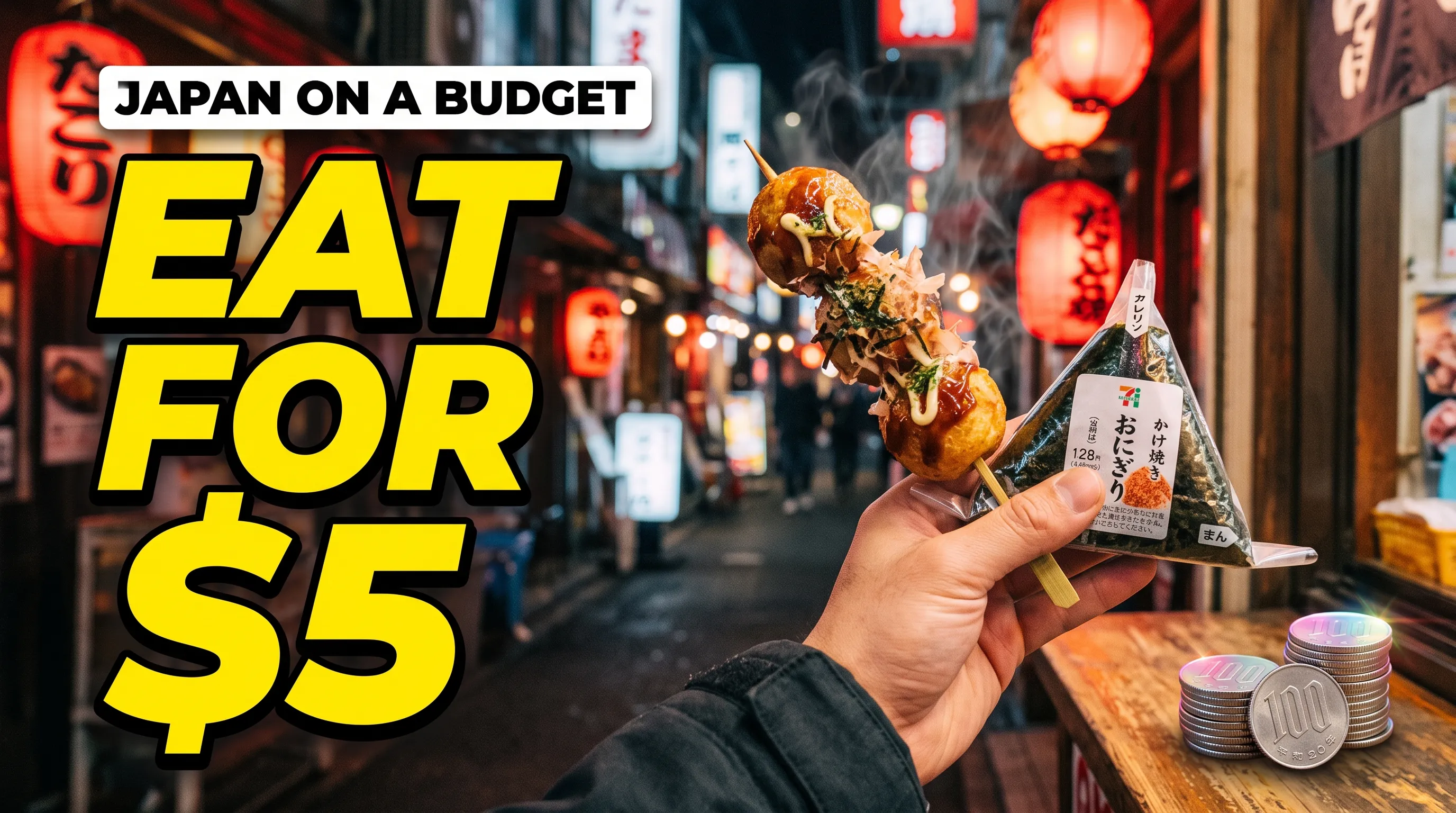
Thumbnail with exact text YouTube thumbnail, 16:9… huge bold yellow text with a thick black outline reads exactly: "EAT FOR $5"… text readable at small size. -
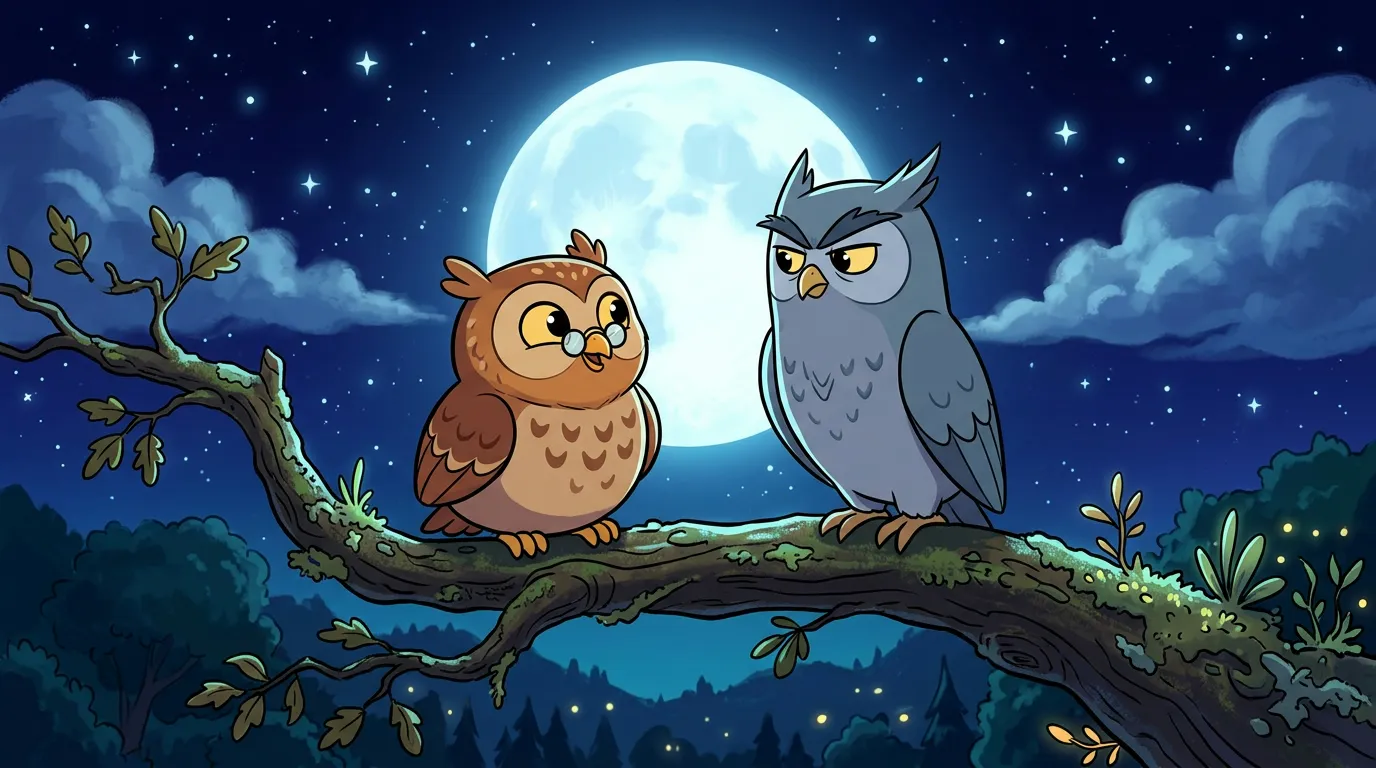
Storybook keyframe Create a charming 2D cartoon storybook-style keyframe, wide shot: two cartoon owls side by side on a thick gnarled tree branch at night… -
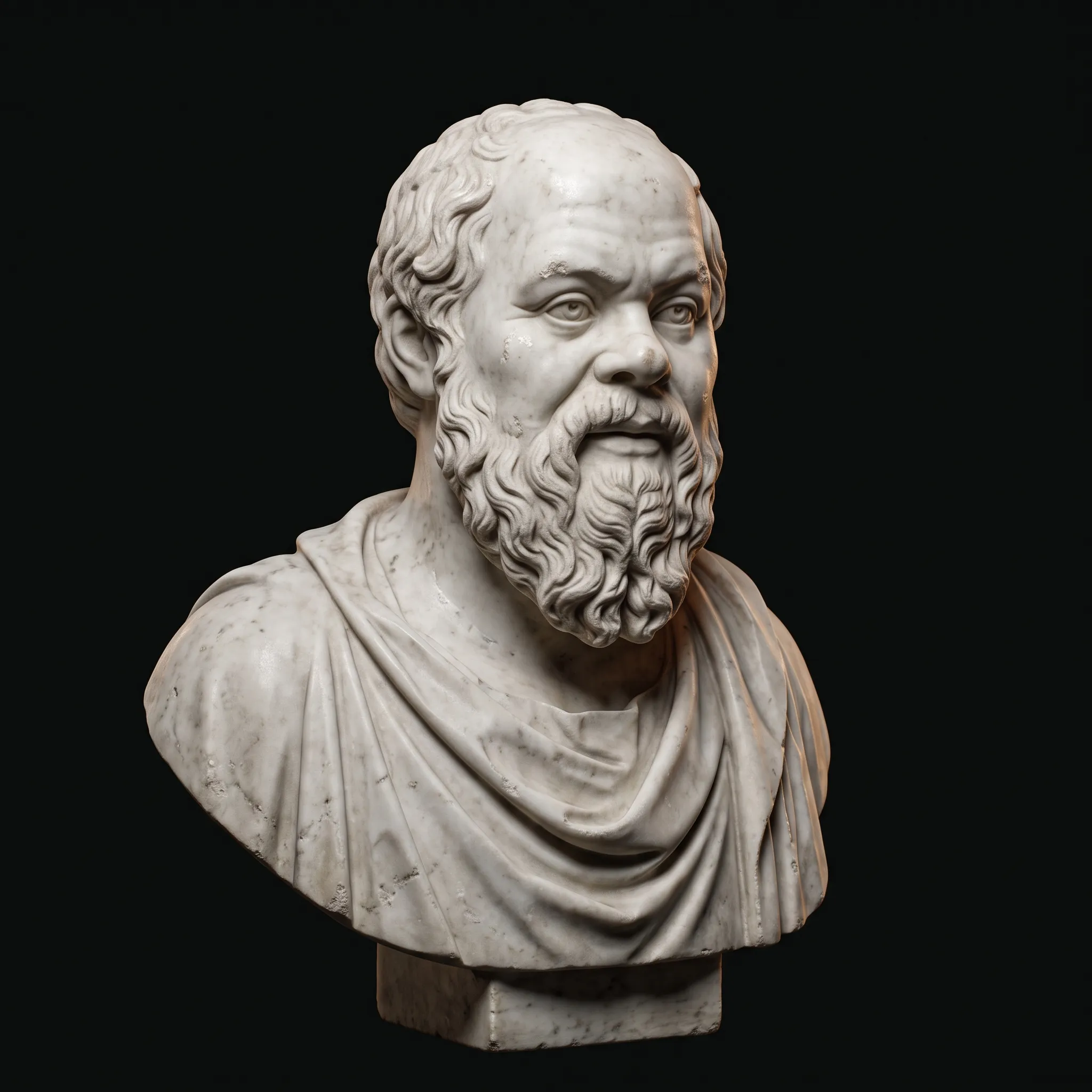
Marble bust A classical white marble portrait bust of Socrates: snub nose, broad bald dome, bushy curly beard, wide-set amused eyes, a faint knowing half-smile… -
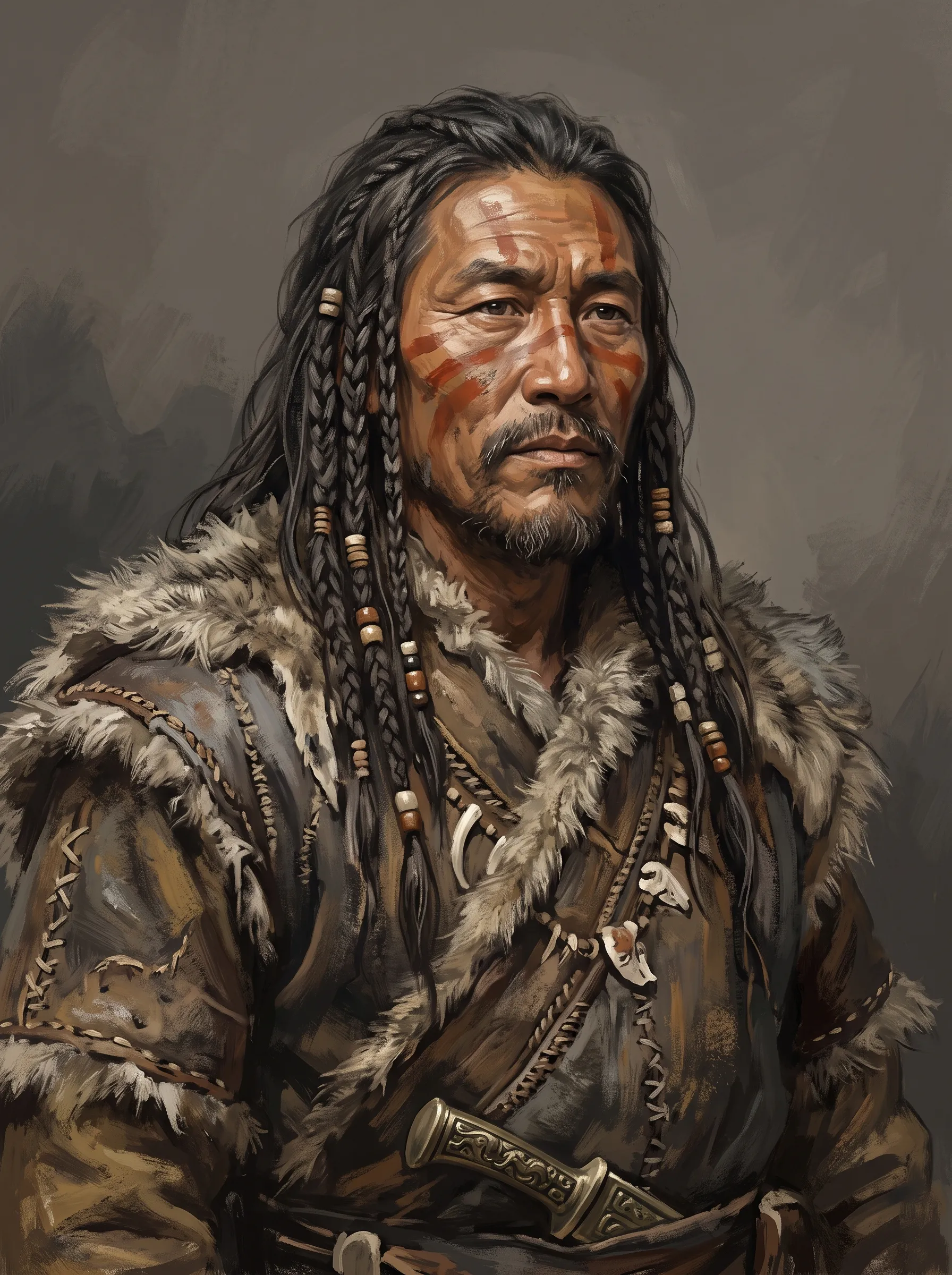
Character design portrait Character design portrait, head and shoulders, of CHIEF KUI of the Tufang grassland peoples, northern frontier of Shang China c. 1250 BCE… -
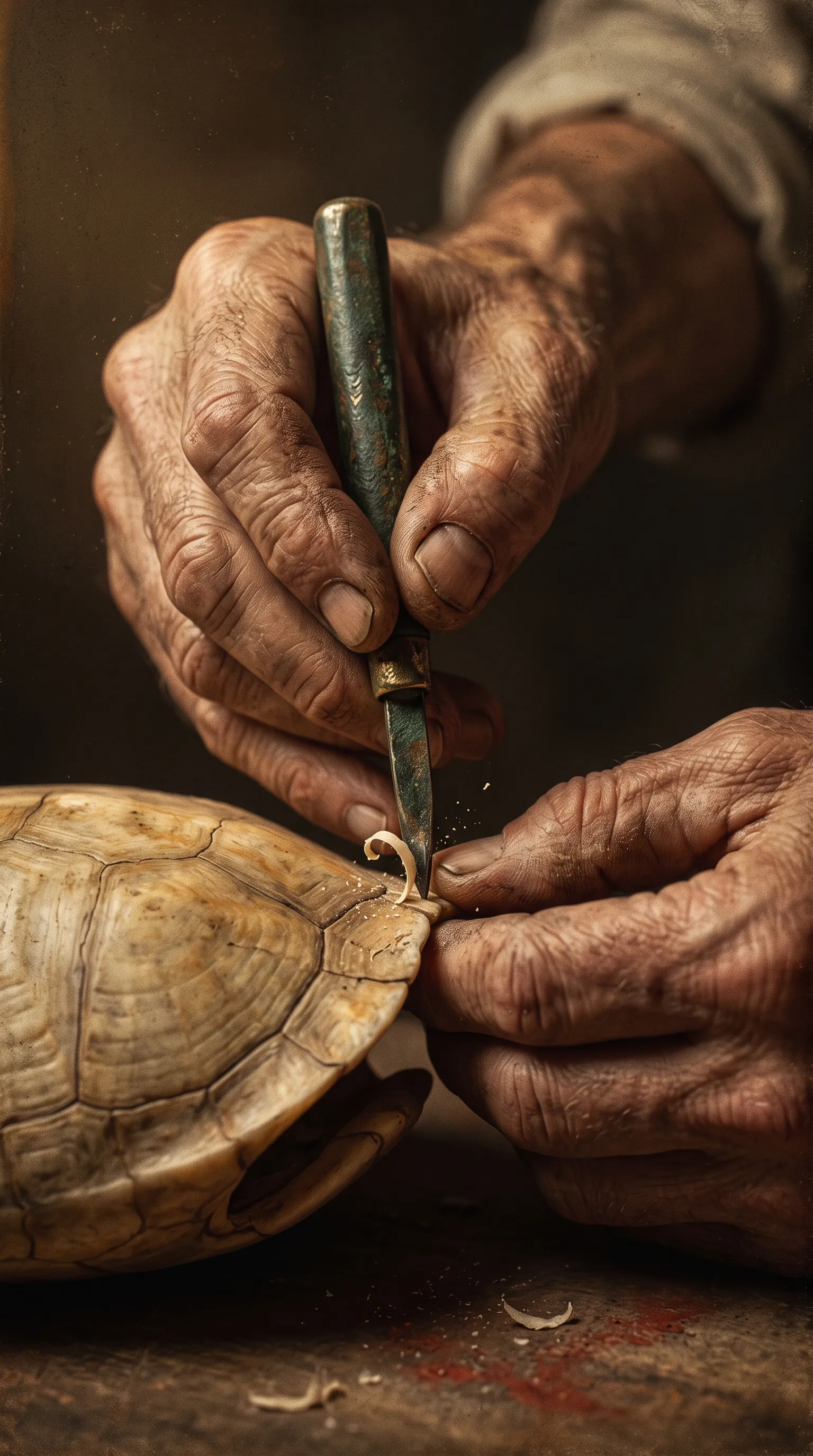
Vertical close-up Vertical 9:16 close-up of a craftsman's weathered hands holding a small bronze graver, its tip pressed against the edge of a turtle shell… -
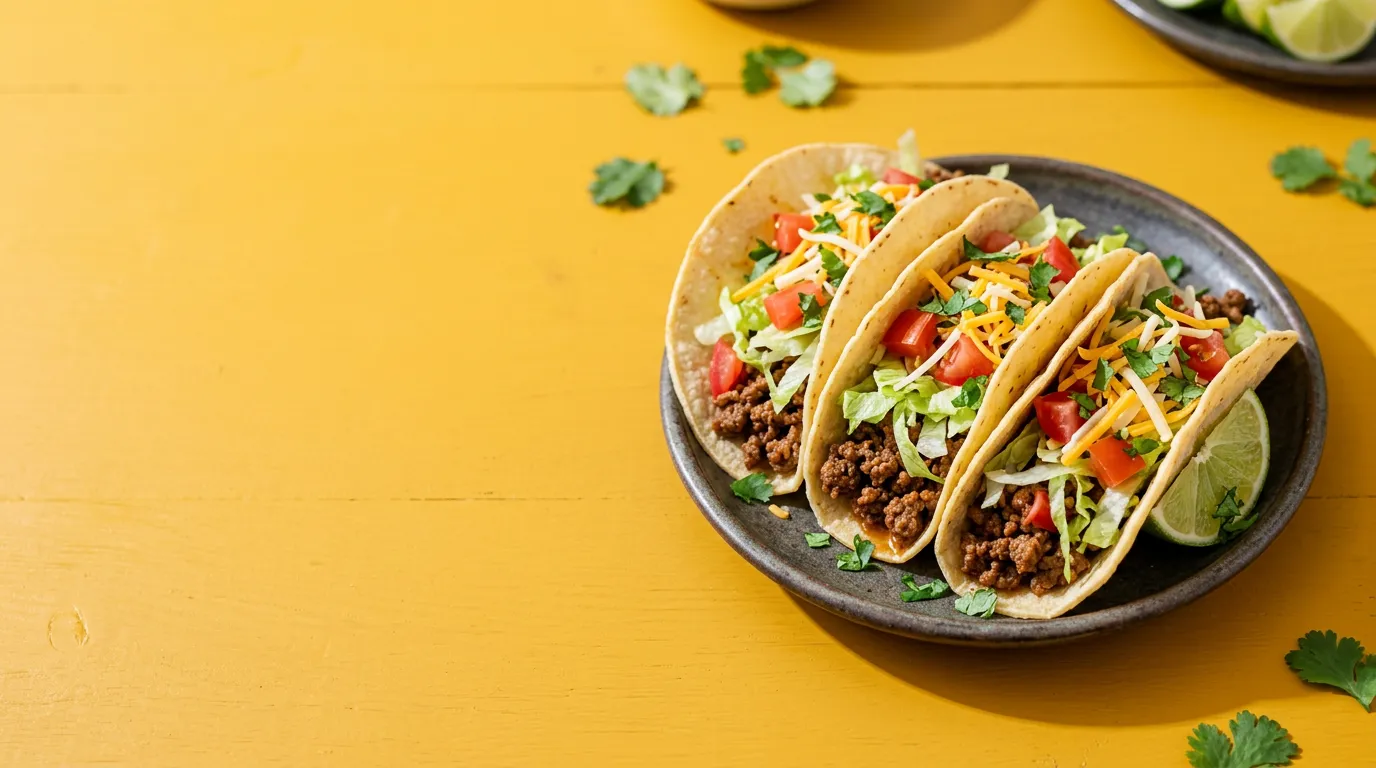
Thumbnail background Create a bright, appetizing food photograph for a YouTube thumbnail background: three loaded tacos with seasoned beef, shredded lettuce, tomato, cheese… -
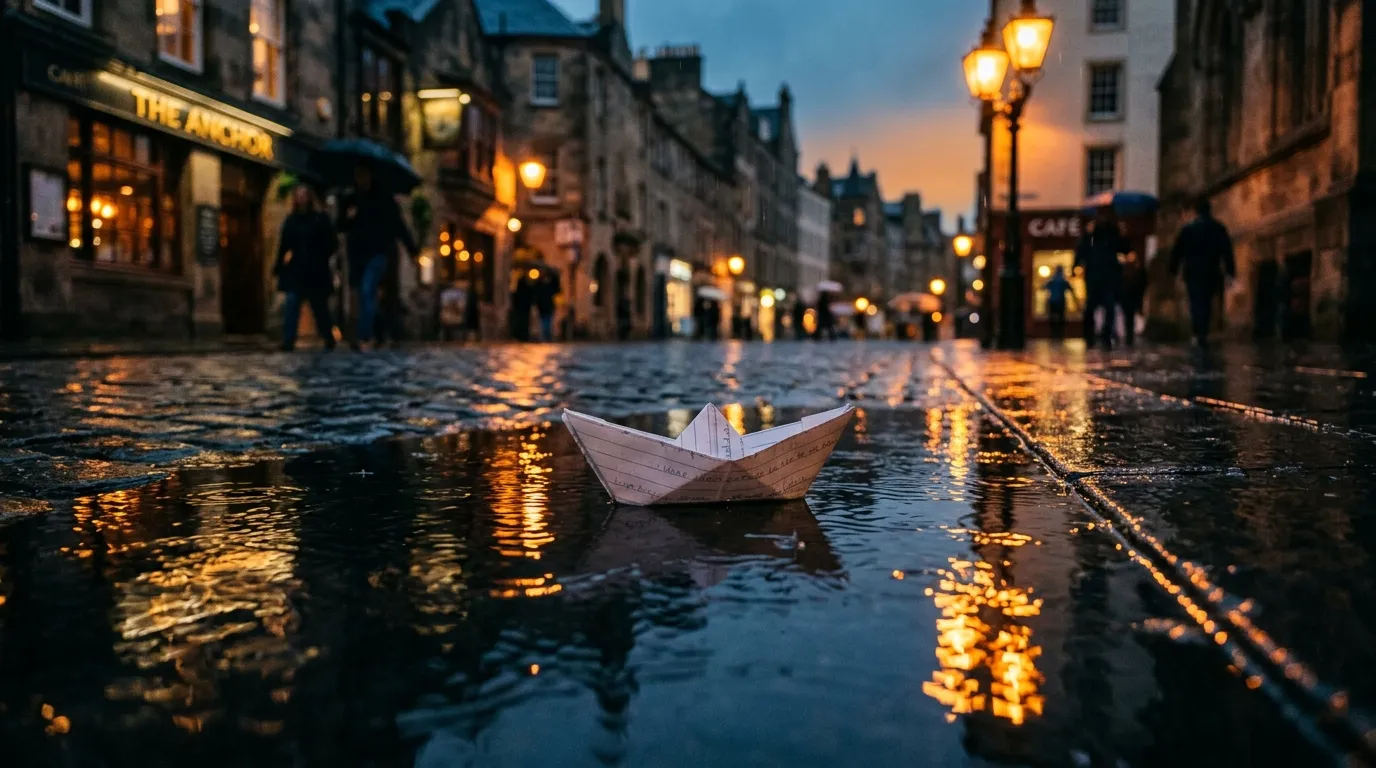
Short prompt A paper boat floating on a rain puddle at dusk, warm street lights reflected in the water, cinematic still -
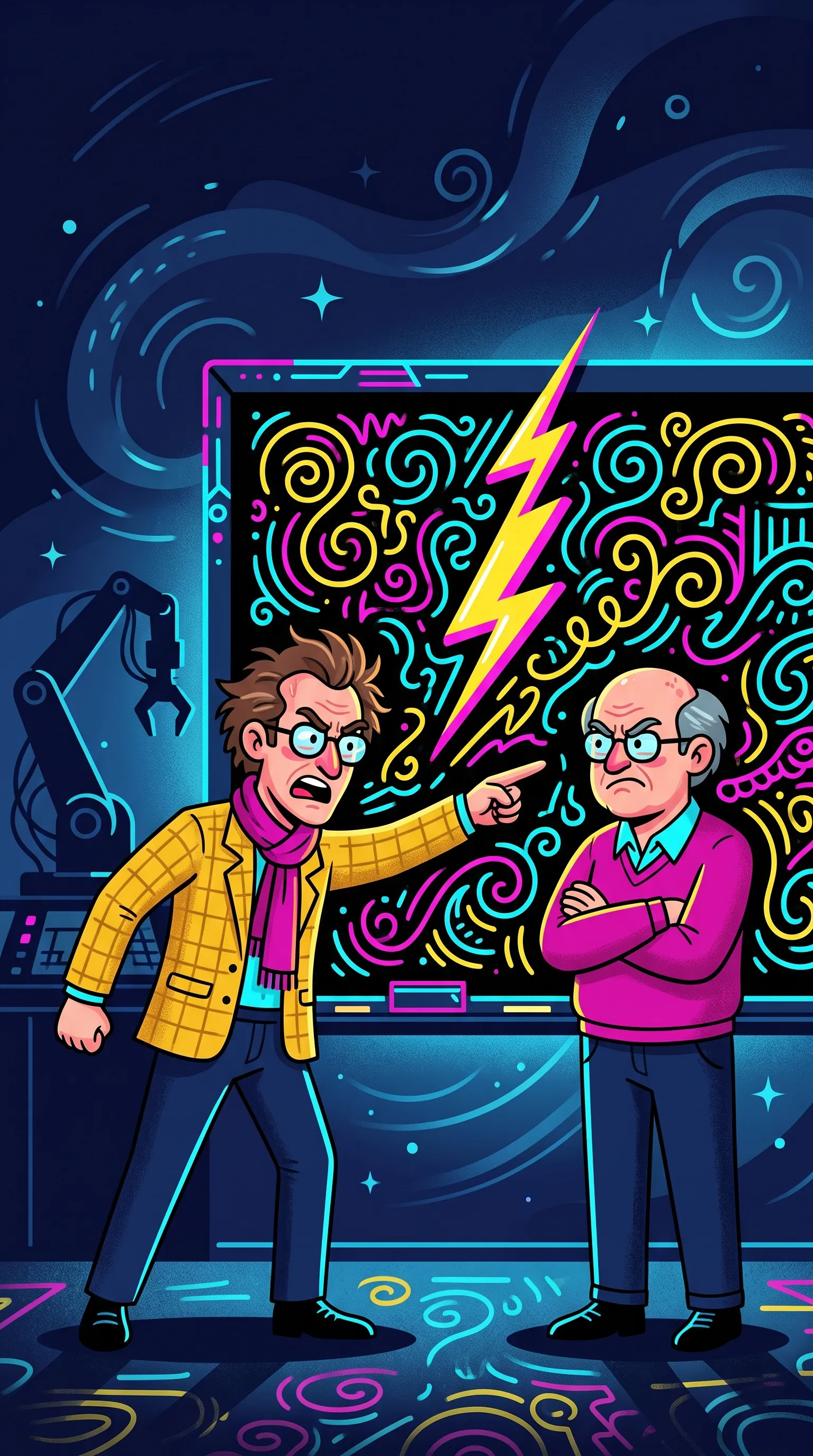
Flat vector cartoon Create a bold flat vector cartoon illustration for a vertical social video: two mathematicians in a dramatic face-off on either side of a big blackboard… -
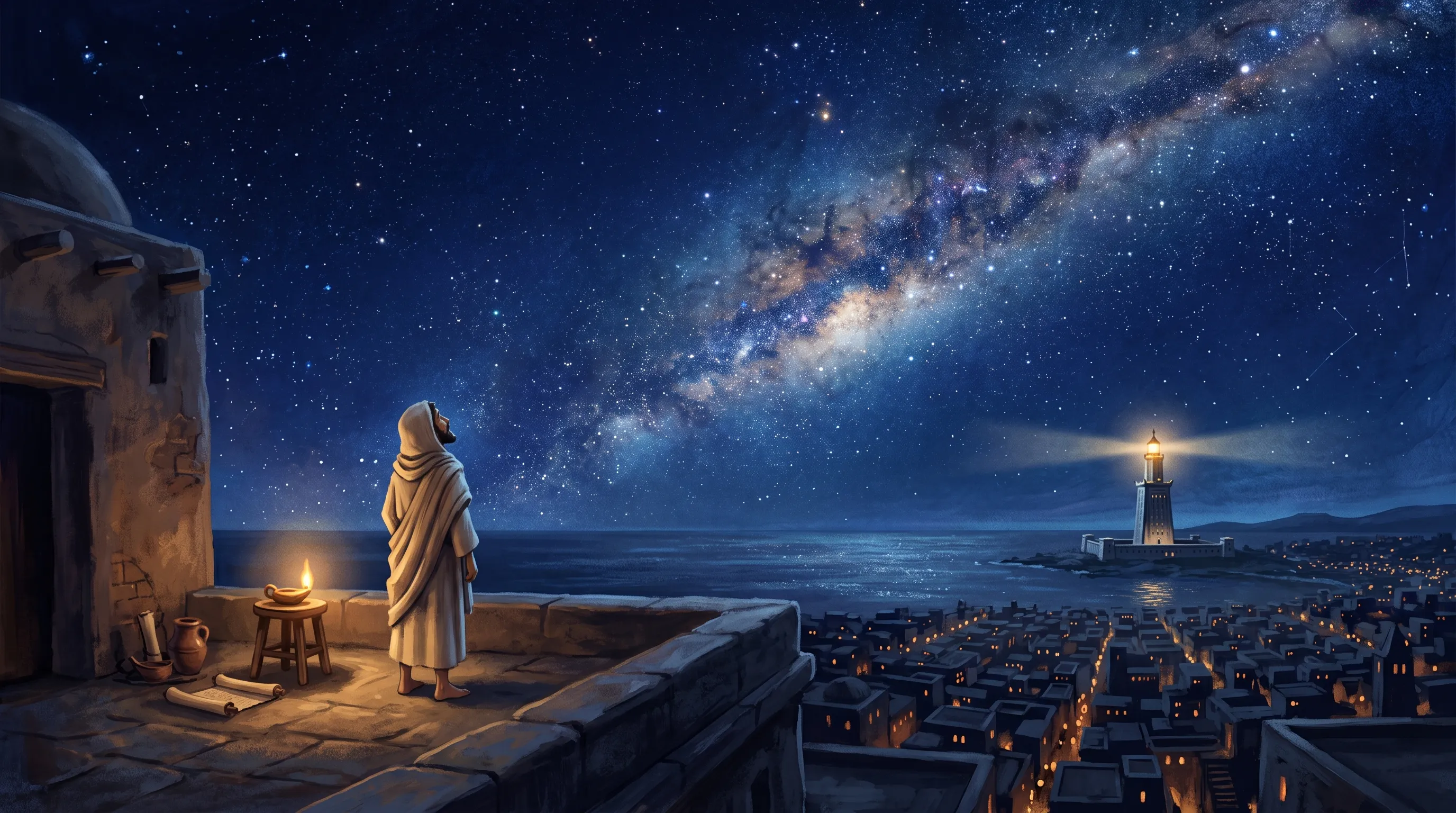
Animated history film Create an illustration for an animated history film: a lone scholar in a cream robe seen from behind on a flat rooftop in Alexandria at night… -
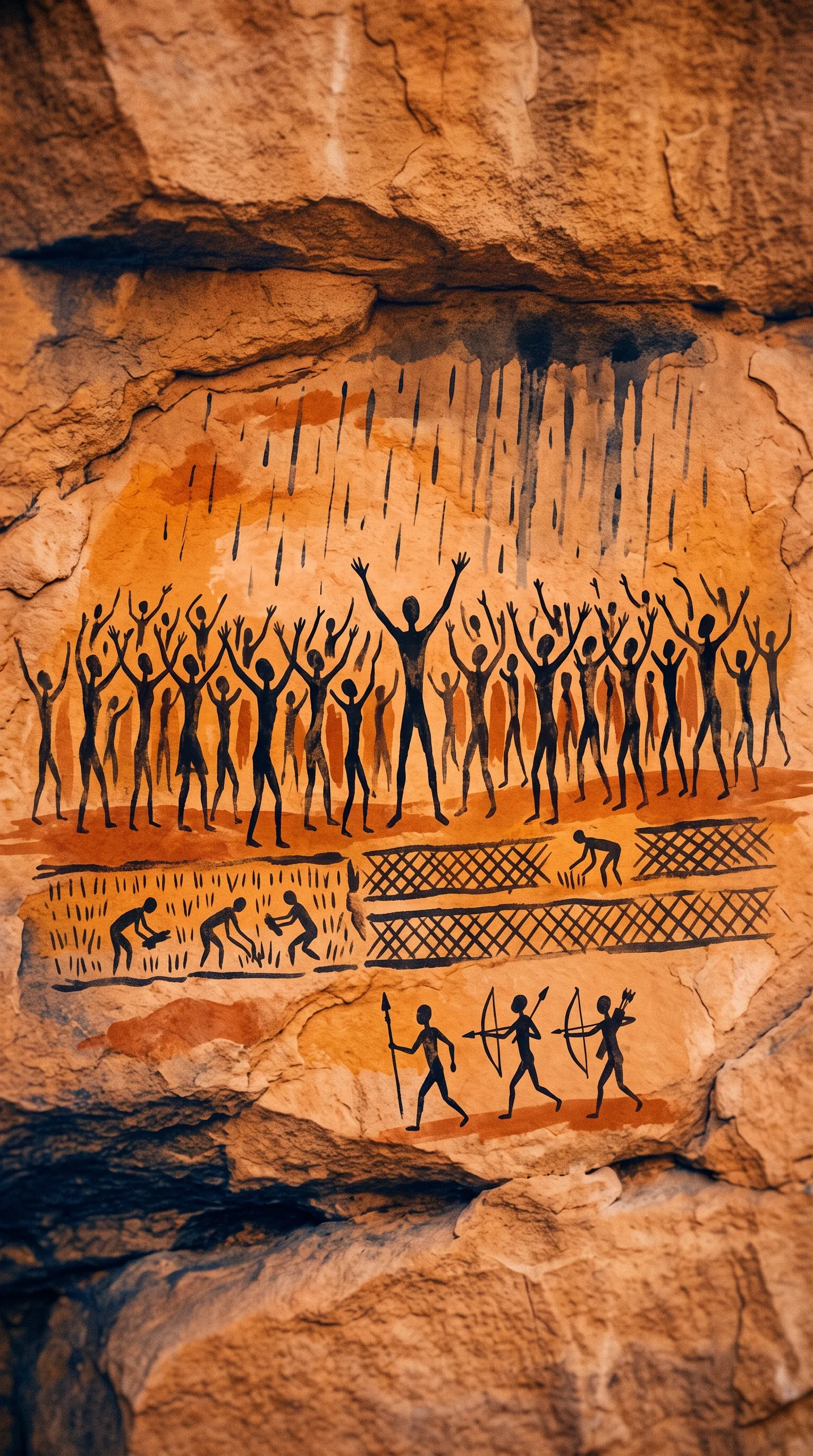
Cave-painting style Cave-painting-style illustration: a crowd of black stick figures raising arms toward the sky, rain streaks, rice fields, a small war party, on warm ochre… -
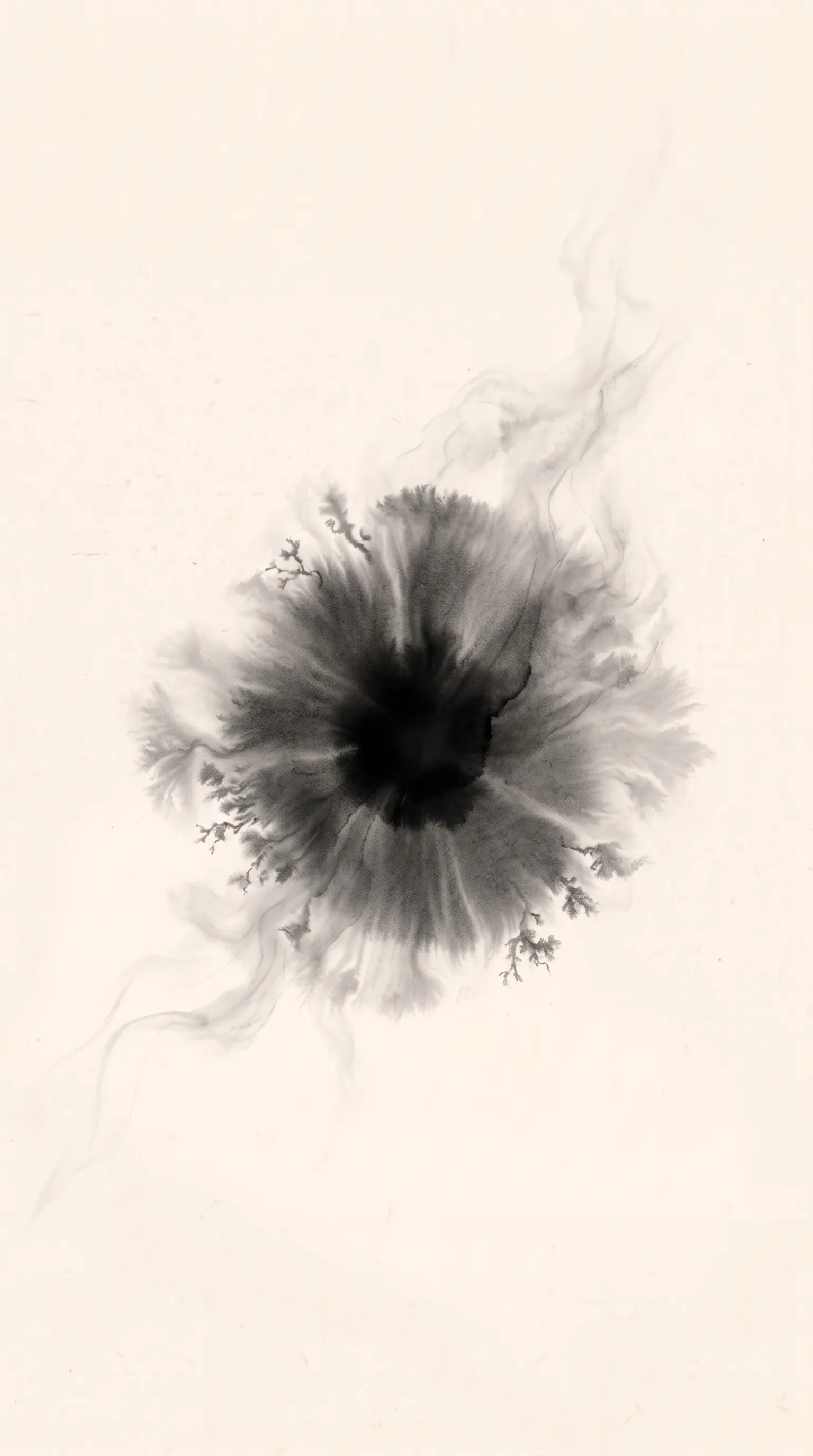
Ink on rice paper Full-bleed warm off-white xuan rice paper with the same paper colour and texture as Image 1. In the centre, a single large drop of black ink has landed… -
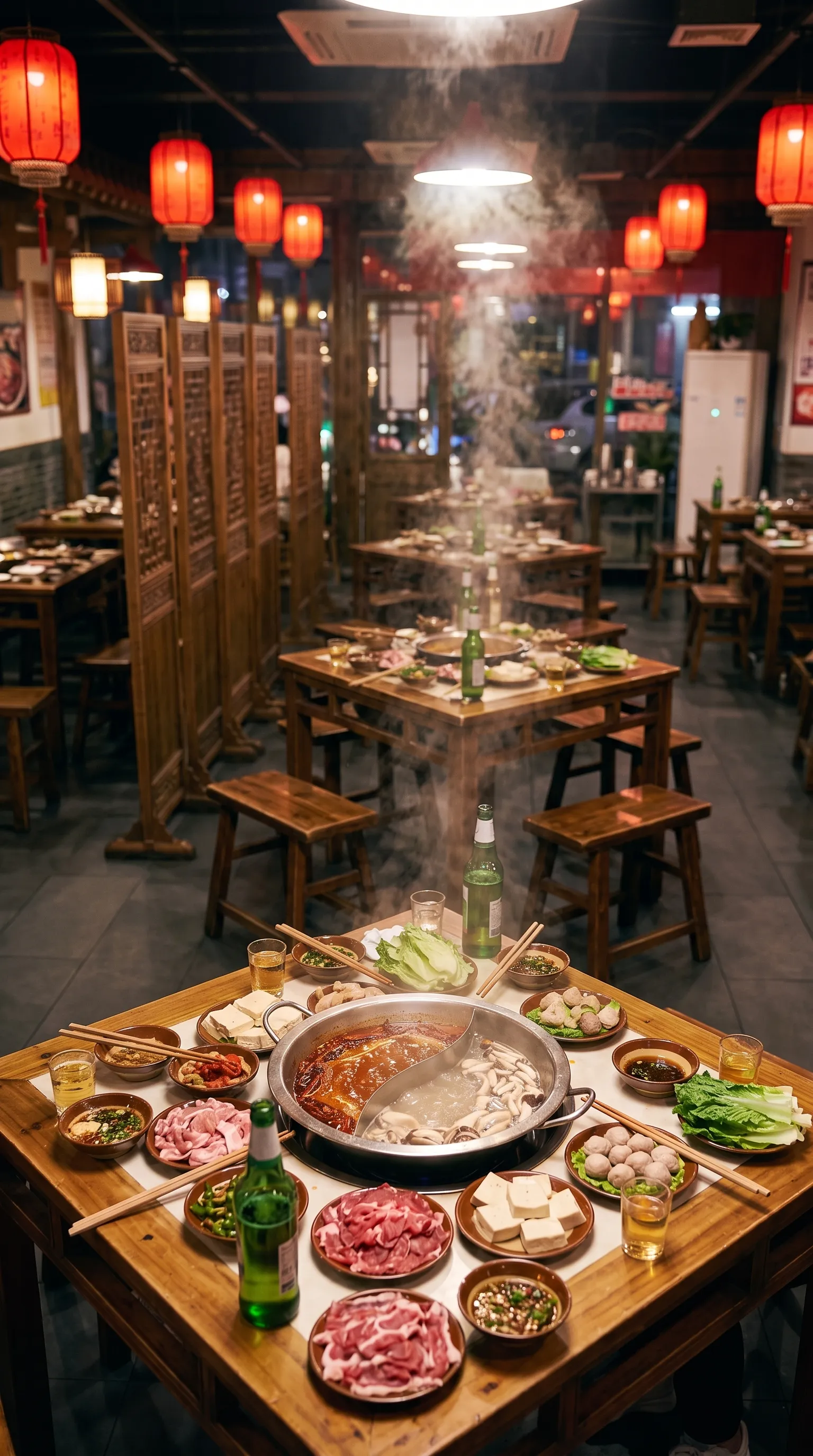
Edited into an empty set Edit Image 1 into an empty set plate. Keep the exact camera angle, the square wooden table, the steaming red-and-white split hotpot… Remove all people completely…
1. Compose the image around its job
Before writing anything, decide what the viewer should notice first and what the image must communicate: a face you recognise, a product’s feature, the relationship between two characters, a place, an explanation. Describe that visible situation first, then the framing, placement, light, materials and treatment that make it readable.
A few habits make the biggest difference:
- One visible moment per image. “She lies down, gets up and runs away” is three states. Pick the one this still has to establish.
- Choose the crop before you compose. Leave room for a gaze, for movement, or for the title that will sit on top later, and keep important details readable at the size the image will actually be seen.
- Describe what you want, not what to avoid. “An empty office after closing” says more than a list of things to leave out.
- Resolve style conflicts. A painterly surface and a fully rendered CG scene pull in different directions unless you say how they relate.
Create a premium product photo for a reusable water bottle ad: a single insulated stainless steel bottle, matte brushed silver steel body with a deep teal silicone grip band near the base and a teal screw cap with a small carry loop, standing upright on a wet slate surface, covered in fine condensation droplets to suggest ice cold. Centered, slightly low angle, 85mm lens, shallow depth of field, soft cool morning light with a rim light, pale aqua gradient background, clean negative space above the bottle for headline text. The bottle is plain: no lettering, numbers, logos or watermarks.
-
for a reusable water bottle ad
The job comes first: an ad, so the product must read instantly.
-
covered in fine condensation droplets to suggest ice cold
The feature to sell (it keeps drinks cold) is shown, not written.
-
clean negative space above the bottle for headline text
The crop is decided before the picture: the ad's headline will sit there.
-
no lettering, numbers, logos or watermarks
Text is added later with exact fonts, so the model is told to leave the bottle plain.
2. Give every reference image a single job
Attach only the images this output needs, and say what each one contributes:
| A reference for… | Tell the model… |
|---|---|
| Identity or product | which face, silhouette, markings, proportions, clothes or product details to keep. The person’s room or light need not come along. |
| Style | the rendering, materials, palette or light to borrow, separately from the subject it shows. |
| Place and composition | the layout, camera and important objects; whether to keep this view or make a new shot in the same place. |
| Pose | the posture or gesture to transfer, with the accepted identity kept. |
| The image to edit | which features change; the other references support that change instead of replacing the whole picture. |
Number the references as you attach them (“Image 1”, “Image 2”) and put a short visible description next to every name: the sandy dinosaur on the left, the grey furry mammal on the right. Names alone get mixed up when several subjects appear. If two references disagree, decide which one controls the face, the costume, the style or the background.
Using Image 1 only for Lia's character design (the girl with the voluminous curly black hair, warm brown skin, big brown eyes, glossy yellow raincoat and long red knitted scarf) and the stylized 3D animated feature film rendering: create a new scene. Lia kneels on a mossy path in an enchanted forest at golden hour, curiously reaching toward a tiny glowing blue mushroom, fireflies around her, god rays through tall trees. Medium-wide shot, Lia slightly right of centre. Same character proportions and outfit. 16:9.
-
Using Image 1 only for Lia's character design … and the … rendering
The reference's jobs are named: her design and the film's look. Its rooftop and night sky are not.
-
the girl with the voluminous curly black hair, warm brown skin …
A visible description beside the name, so the model binds the right features to Lia.
-
create a new scene
A new place and moment, so the old composition is not demanded.
3. Edit from the image you accepted
When you revise, attach the accepted image and state the change together with what must survive it. Changing a pose can keep the camera and the setting; changing the camera means a new view, so asking to keep the old composition exactly would contradict the edit. Separate what is preserved from what changes, and check that both actually happened.
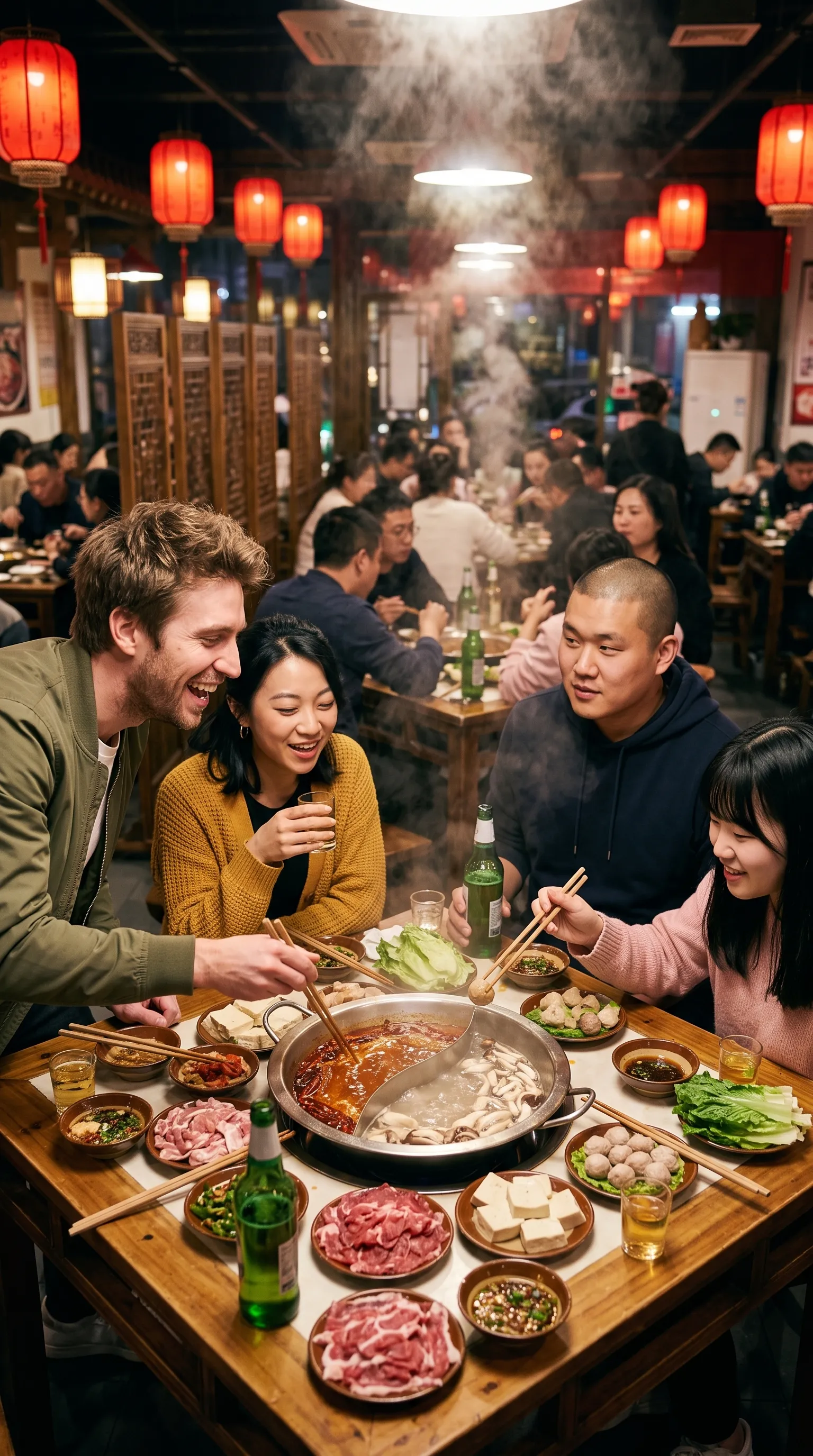
Edit Image 1 into an empty set plate. Keep the exact camera angle, the square wooden table, the steaming red-and-white split hotpot, all plates of beef, tofu, meatballs, greens, sauce bowls, chopsticks, beer bottles and glasses, the red paper lanterns, wooden lattice screens and warm tungsten light with red glow. Remove all people completely: the four friends at the table are gone, leaving four empty wooden stools around the table, and the restaurant background is empty of diners, just empty tables, lanterns and soft warm bokeh. Photorealistic, vertical. No people, no faces, no text.
Unless a request continues a conversation with the model, it starts fresh: resubmit the image and the references it needs. If a revision damages a face, a product or the scene, go back to the last good image and fix the cause instead of carrying the damage forward. And “change only this area” is guidance, not a pixel mask: look at the rest of the image too.
4. Put text in an image only when it can be read
Settle the exact words, numbers and language before generating. Say where each piece of text goes and how it should read: headline, labels, small print. Give important text space and contrast. For images where text and layout are the point (infographics, posters, diagrams), Bald Rhino uses Nano Banana Pro; for a title or a few labels, Nano Banana 2.1 is enough.
YouTube thumbnail, 16:9, punchy and appetising. Close-up photo-style shot of a hand holding a steaming skewer of takoyaki and a convenience-store onigiri in a glowing neon-lit Osaka alley at night, red paper lanterns and Japanese signage blurred behind. A stack of shiny 100 yen coins sits in the lower right. On the left, huge bold yellow text with a thick black outline reads exactly: "EAT FOR $5". A small white label at the top reads exactly: "JAPAN ON A BUDGET". Warm saturated colours, shallow depth of field, the food is the clear focal point, text readable at small size.
-
reads exactly: "EAT FOR $5"
The copy is final and quoted, word for word.
-
On the left … A small white label at the top
Each piece of text has a place and a size: a headline and a label.
-
text readable at small size
A thumbnail is seen tiny: the check is built into the request.
Even then, read the result at its real size. Models can still misspell or distort small text and fine details (Google’s Nano Banana Pro prompt tips). When copy must stay exact or editable, generate the artwork and set the type afterwards.
5. Check the image before it becomes the next input
Compare the output with its references at a useful size: faces, hands, markings, product details, how many subjects there are, shadows and contact with the ground. Tell a deliberate change of expression or light apart from a different design. After a repair, check the whole composition again. An image that will start a video scene deserves the strictest look: whatever is wrong in it moves into every frame.