
Gemini Omni Flash makes short scenes with their sound: people who talk and listen, reactions, everyday action, atmosphere and animation, in clips of up to 10 seconds (Google’s Gemini Omni Flash model page). Google fully supports English and says other languages have not been evaluated: they may work, with varying results (Google’s Omni developer guide). The kitchen scene below plays in Brazilian Portuguese and in English. Every clip below was made with Gemini Omni Flash 1.1 by Bald Rhino’s agent, and every timing on this page was measured on the clip itself.
1. How do you write dialogue in an Omni prompt?
Write the scene as it should play: the framing, where each person is, the exact words in quotation marks, who says them first, what the other one does while listening, and what the sound is. Name the language. Give delivery a playable intention, and let action beats carry the pauses. Here is one scene, written twice, in two languages:
- A small kitchen. Warm evening light from a window.
- Medium two-shot, static camera, one continuous shot. Naturalistic drama.
- An old man of about seventy with a grey beard and a cardigan sits at the table; his daughter, about forty, dark hair in a bun, stands by the counter holding a mug.
- They speak Brazilian Portuguese.
- 0:00.1 She Você vendeu o barco, pai?
- 0:01.4 He looks down, then up at her.
- 0:03.2 He Eu não conseguia mais velejar.
- 0:05.5 She sets the mug down slowly.
- Their voices, a ticking clock, quiet room tone; no music.
- A small kitchen. Warm evening light from a window.
- Medium two-shot, static camera, one continuous shot. Naturalistic drama.
- An old man of about seventy with a grey beard and a cardigan sits at the table; his daughter, about forty, dark hair in a bun, stands by the counter holding a mug.
- 0:01.4 She You sold the boat, Dad?
- 0:02.5 He looks down, then up at her.
- 0:04.3 He I couldn't sail it anymore.
- 0:05.8 She sets the mug down slowly.
- Their voices, a ticking clock, quiet room tone; no music.
No reference was attached: both faces and both voices were generated. Notice what the prompt didn’t do. It didn’t give the father’s pause a length; it gave him something to do, “He looks down, then up at her”, and in both languages the pause between the two lines lasted about 1.8 seconds. It didn’t ask for emotion by name either: the mug going down slowly says it. An eight- second scene holds a question, an answer and one quiet physical response. If your passage is more crowded than that, shorten the words or split the scene at a dramatic boundary; don’t make everyone talk fast.
For two people talking to each other, tie each line to a visible person by place and appearance (“his daughter, by the counter”), not only by a name: names alone can leave the model guessing who says what.
End visual prompts with “No text. No subtitles.” Add titles, labels and subtitles in the edit, where they stay exact and editable. The instruction is about visible text: the spoken lines stay in the prompt.
Then listen. Check the words, the pronunciation and the accent, misplaced emphasis, endings that are rushed or cut off, swapped speakers, and whether the answer sounds like an answer to the question. Watch the mouths against the sound. A transcript finds missing words; only listening tells you whether the delivery is natural. Native dialogue in many languages is an option to evaluate, not a guarantee.
2. Can Omni make several shots in one clip?
Yes: describe the views in order and the event that motivates each change, and Omni cuts between them. But each new view spends time the viewer needs to read a face, and times in the prompt set the order and the emphasis, not the edit points. The same prompt went to Omni and to Seedance 2.5. Play them together:
Omni Flash 1.1 · 1080p
Seedance 2.5 · 480p draft
Both models kept the order and cut close to the asked times. Neither started a line with its close-up: each speaker is seen before speaking, which reads well. In the Seedance take the second line ends with the clip, leaving no hold for a reaction; in the Omni take more than a second of rain follows it. Neither is wrong, but only one leaves room to cut.
When a reaction must land at a precise moment, generate it as separate coverage: the listener before and after the realisation, with the same eyeline, position and light, and keep the speaker’s accepted audio under the reaction in the edit. A longer generated exchange may reveal the reaction early or merge the angles you asked for, and asking for an exact cut time can’t replace choosing it in the edit.
Which model for which scene? Omni suits short dialogue, reactions, everyday action, product details, atmosphere and animation. For demanding action, fine visual detail or a longer connected multi-shot scene, compare Seedance. One model doesn’t have to make every shot of a film: choose around the hardest part of the brief, the references you have and the budget.
3. How do you keep the same character in two shots?
Attach the same accepted character image to every request and say exactly what it’s responsible for. Omni names images
by their order, <IMAGE_REF_0>, <IMAGE_REF_1>: attach the files as well as naming them, and keep that mapping beside
the request. The scene prompt supplies everything else: place, light, action and camera.
<IMAGE_REF_0>
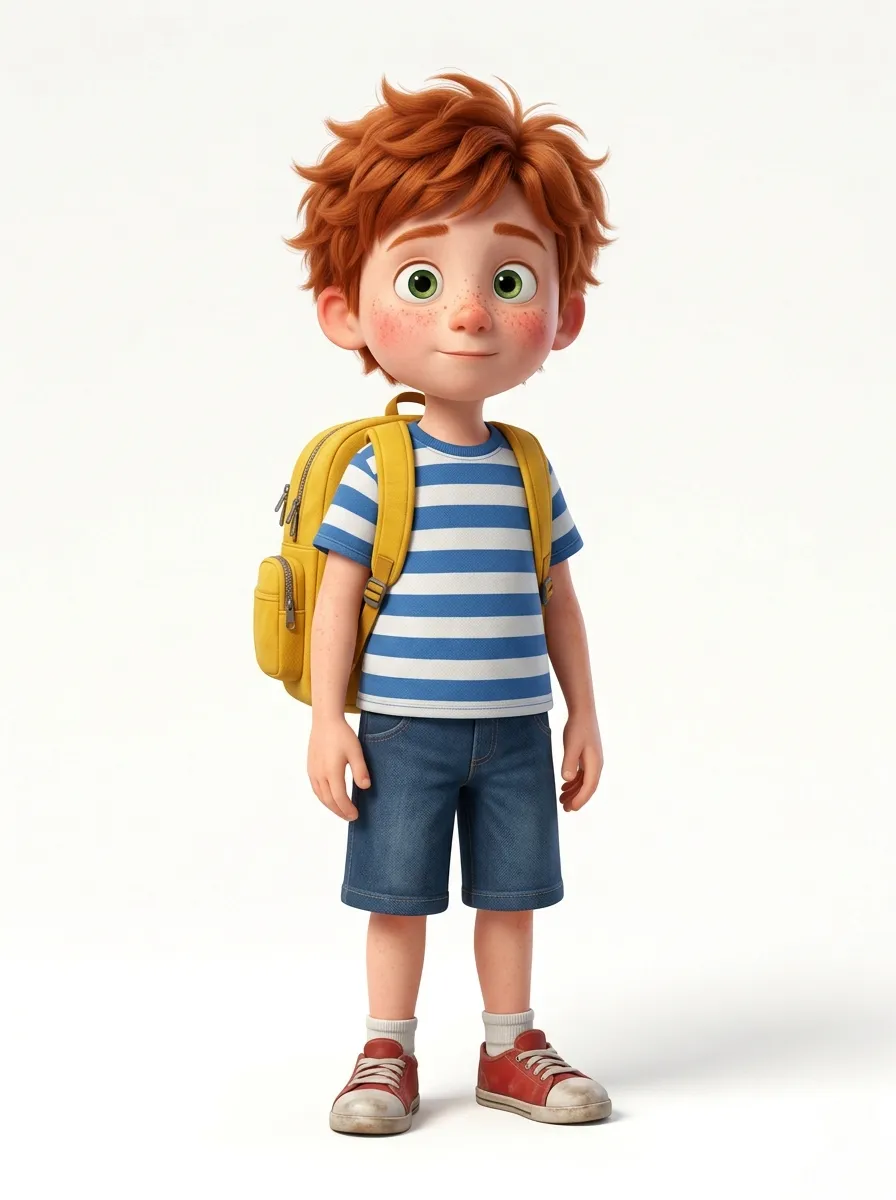
What the reference keeps
- 1 His face
- 2 Red hair
- 3 Striped T-shirt
- 4 Yellow backpack
Wide, static camera
-
Wide, static camera · What this prompt adds A school playground in bright morning light; he runs in from the left and stops beside a swing. Distant children. -
Close-up, slow push-in · What this prompt adds He looks up, surprised, then smiles widely. A soft breeze.
The portrait’s white studio background didn’t follow him into the playground, because the prompts gave each picture its place and its action, and asked the reference only for his face, hair and clothes. A portrait that’s allowed to impose its background or pose on every scene is a reference without a job.
These are separate coverage, not one continuous camera. At the cut, compare the background, his gaze, his posture and the light. And listen: the wide shot has distant children, the close-up only a breeze. When the place should sound uninterrupted, lay one continuous playground ambience across both shots in the edit. For a recurring cast whose look changes over a story (wet clothes, a torn sleeve), see keeping characters consistent; to prepare a missing view of a character, Nano Banana can make it from the accepted design.
4. How do you animate an image with Omni?
Attach it as the first frame and describe how that picture begins to move, not a new picture: the composition is already decided. Add a last frame when the shot has to reach a particular destination, and describe a plausible path with time to get there. One painting of a hurrying ink city, two requests:
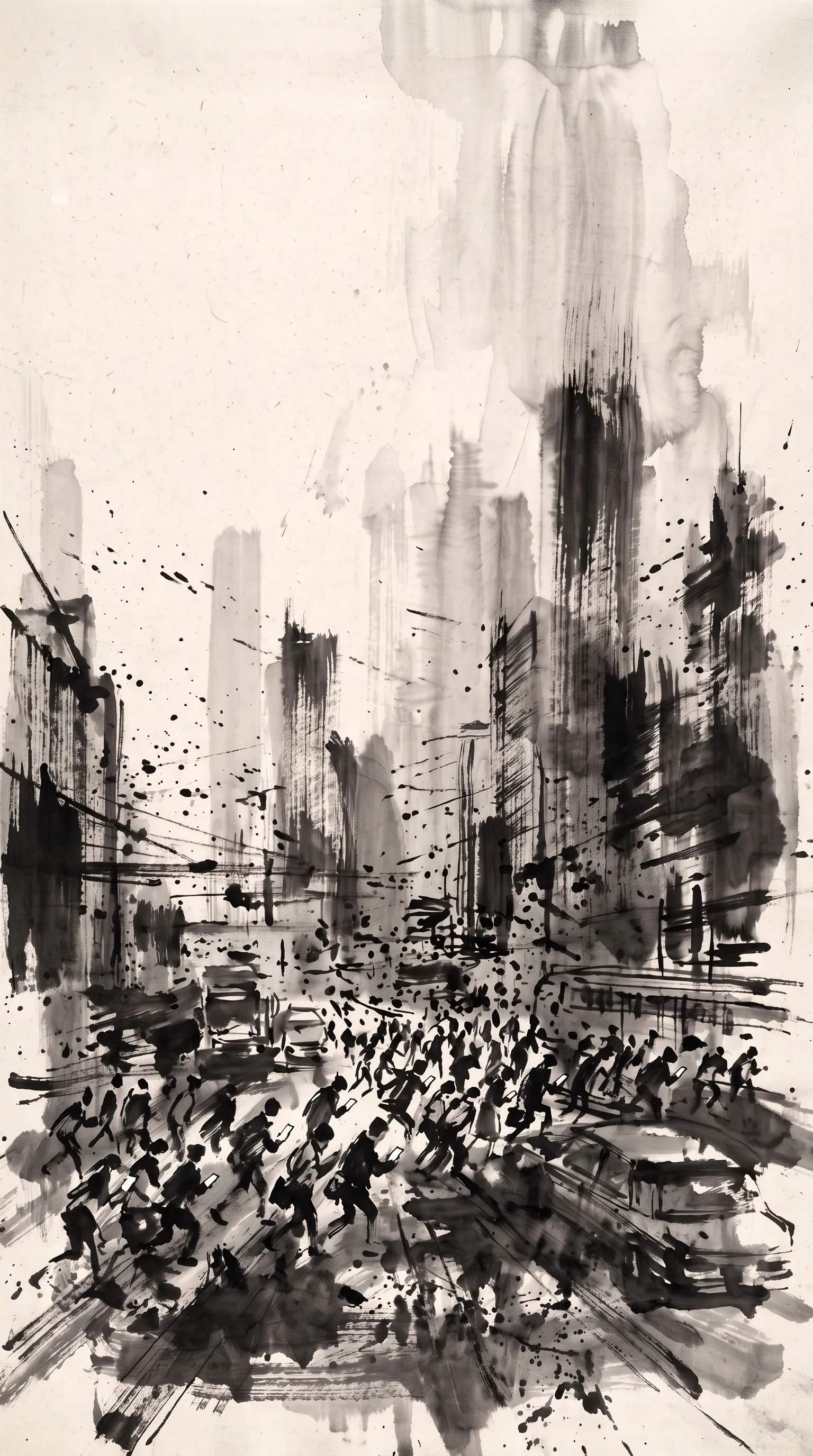
The first frame
First frame only
“The tiny ink figures surge forward in a hurried rush, ink spatter flies sideways… Fast quick push-in toward the crowd with a slight handheld jitter.”
First and last frame

“Then everything stops, frozen. A single drop of water falls into the centre… the ink city dissolves and washes away… until only faint concentric ripple rings and one tiny ink dot remain, matching the final frame.”
The first path had no destination, so the painting kept its world and simply moved. The second had six seconds to go from a crowded street to almost nothing, so the prompt gave it a cause (a drop of water) and stages (pale grey, then clean paper). The first prompt also says what must not change: “still clearly an ink painting on rice paper”. For a loop, also check that the motion and the sound continue across the wrap, not only that the end image matches the start.
The same method, over a series of ink paintings. Scroll through them; each wakes up from the image it started from:
-

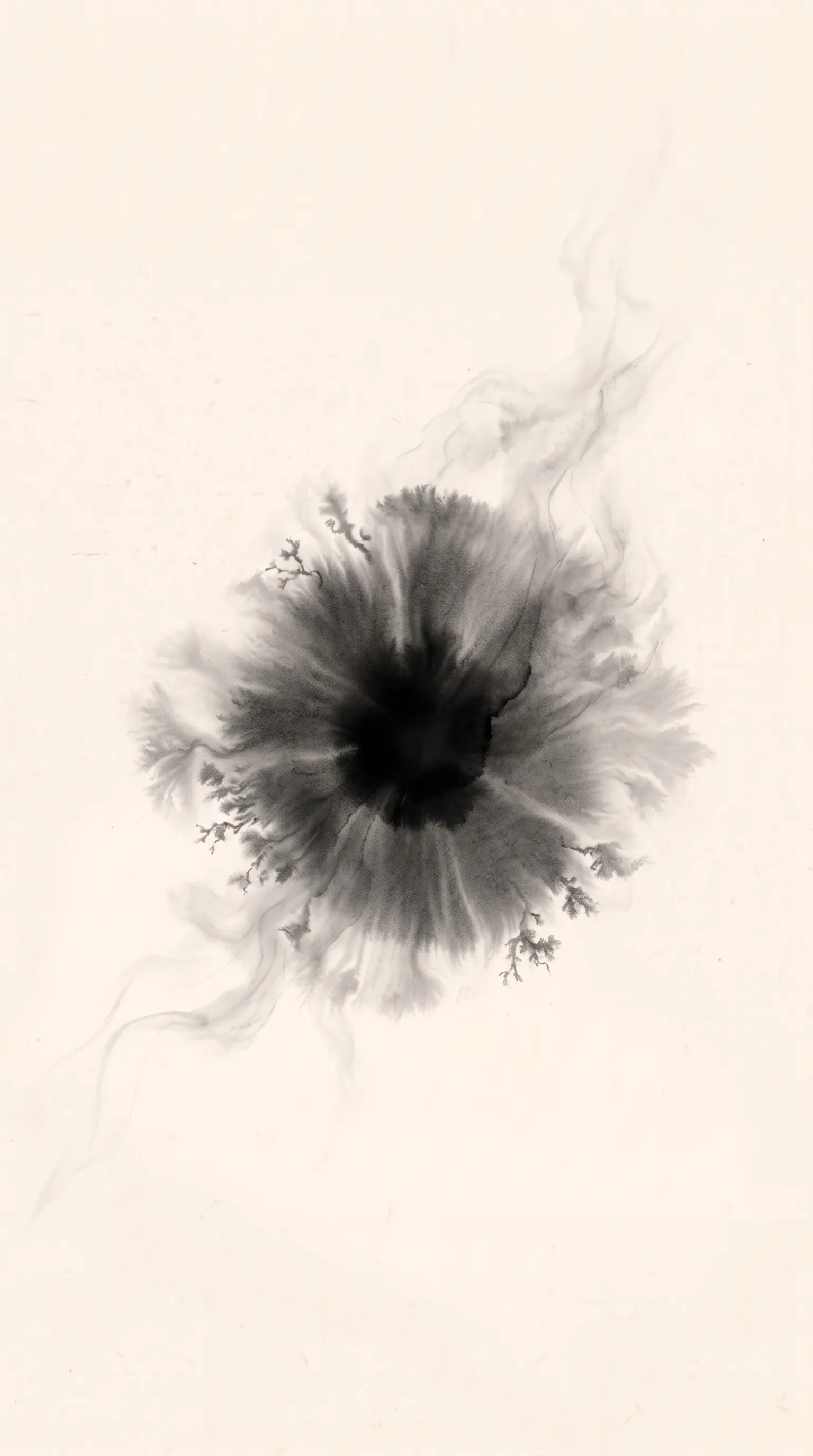
Last frame First and last frame
“A single drop of black ink falls into the centre and slowly blooms outward… until it becomes the ink bloom of the final frame.”
-
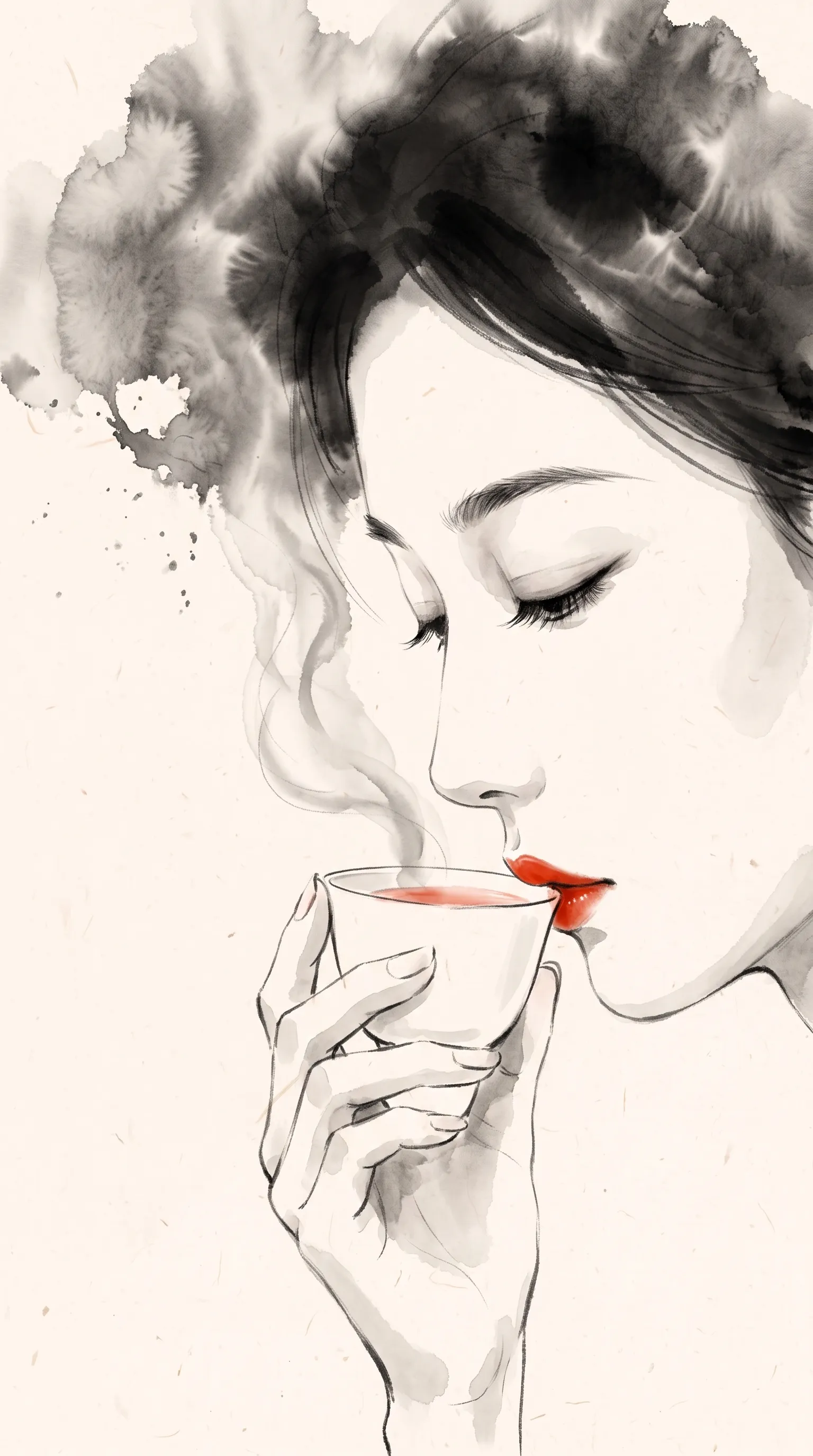
First frame
“The woman takes a slow sip of tea… the wisp of steam curls past her cheek; the ink clouds of her hair drift and bloom gently.”
-
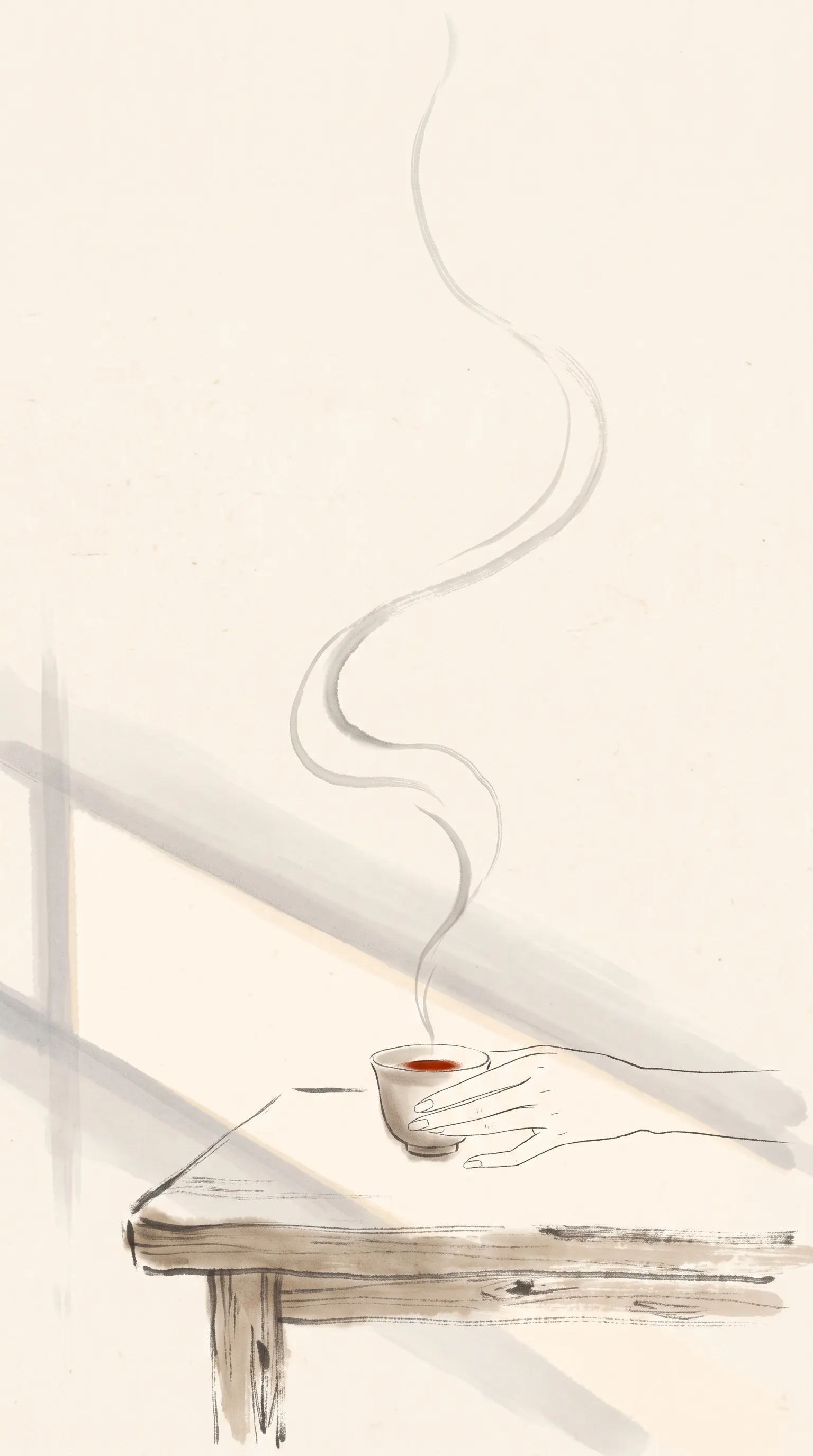
First frame
“The ribbon of steam rises and curls upward like a living, continuous wet brushstroke… The patch of sunlight slowly shifts.”
-
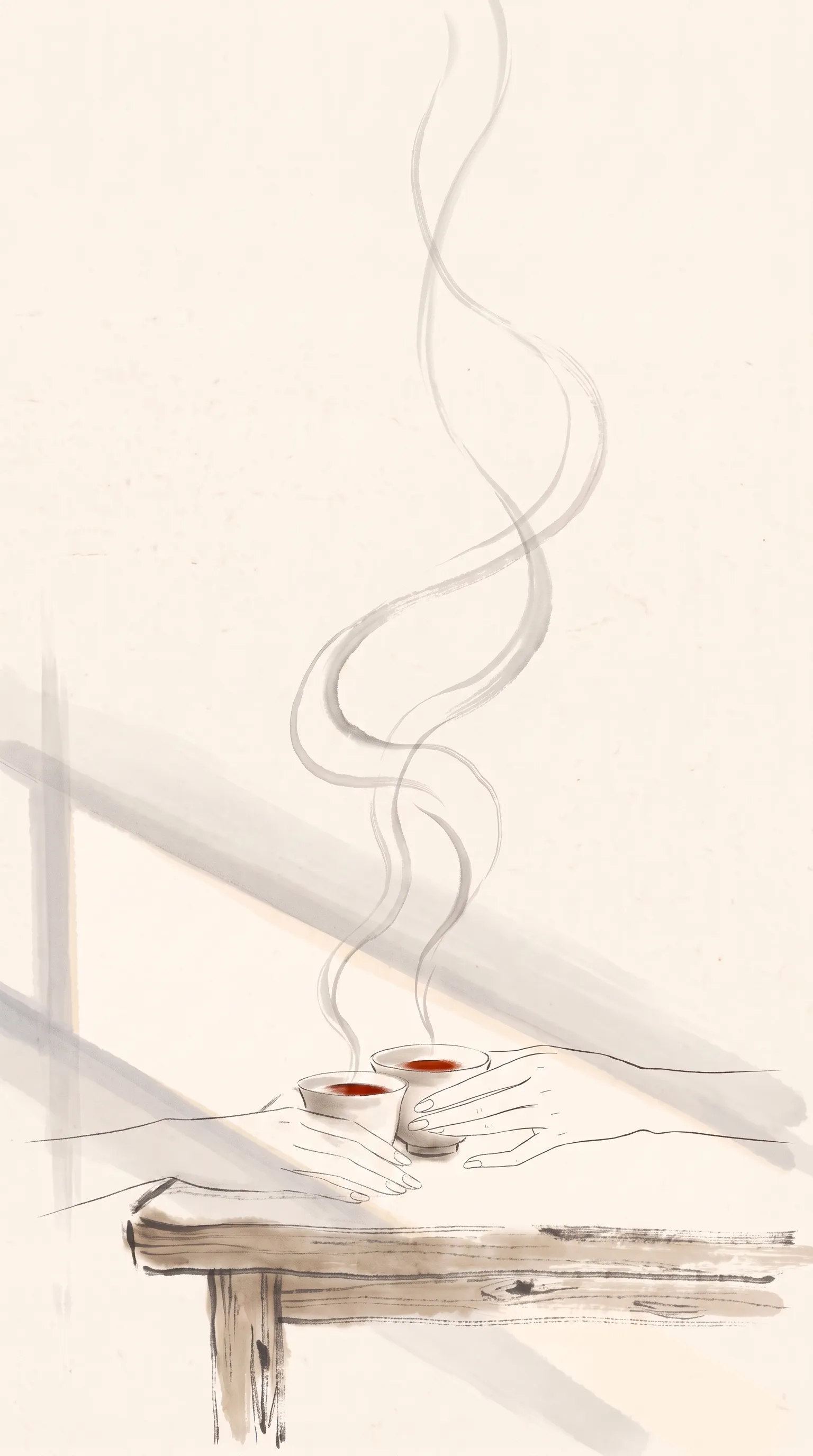
First frame
“The two hands move closer and their fingertips gently touch… The two ribbons of steam rise and slowly intertwine.”
-
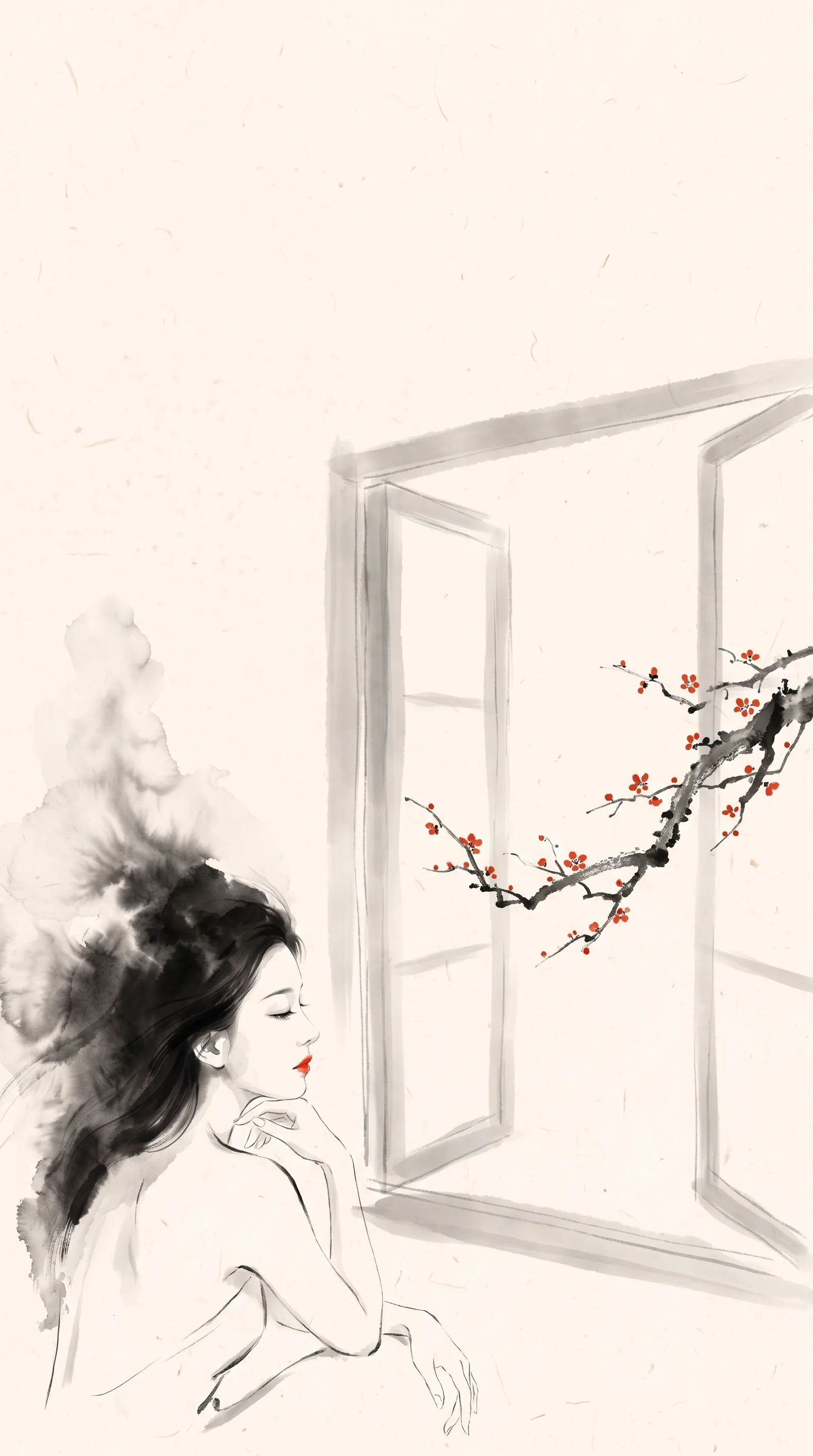
First frame
“A soft breeze moves the plum branch; a few vermilion petals detach and float slowly into the room.”
-
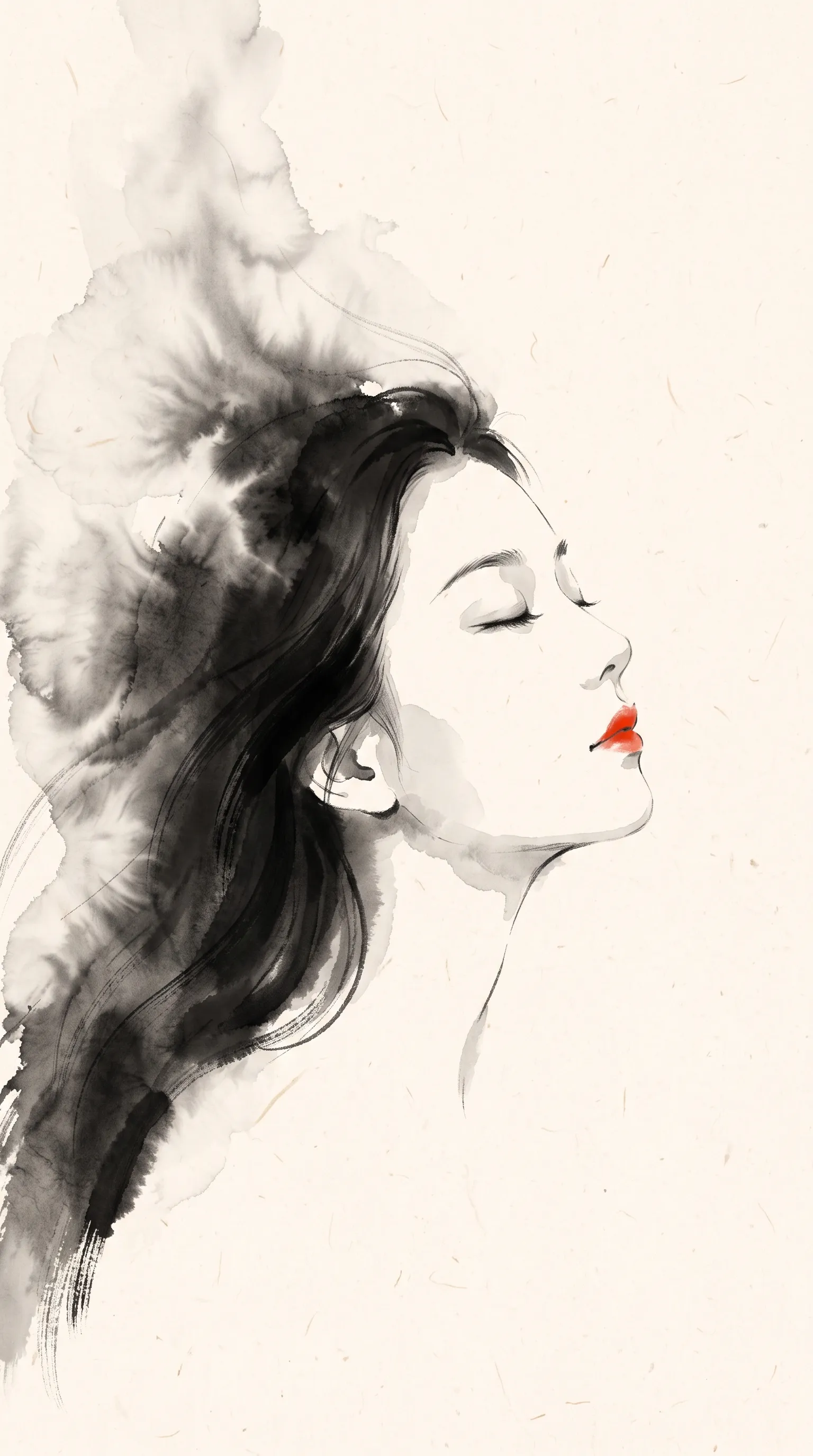
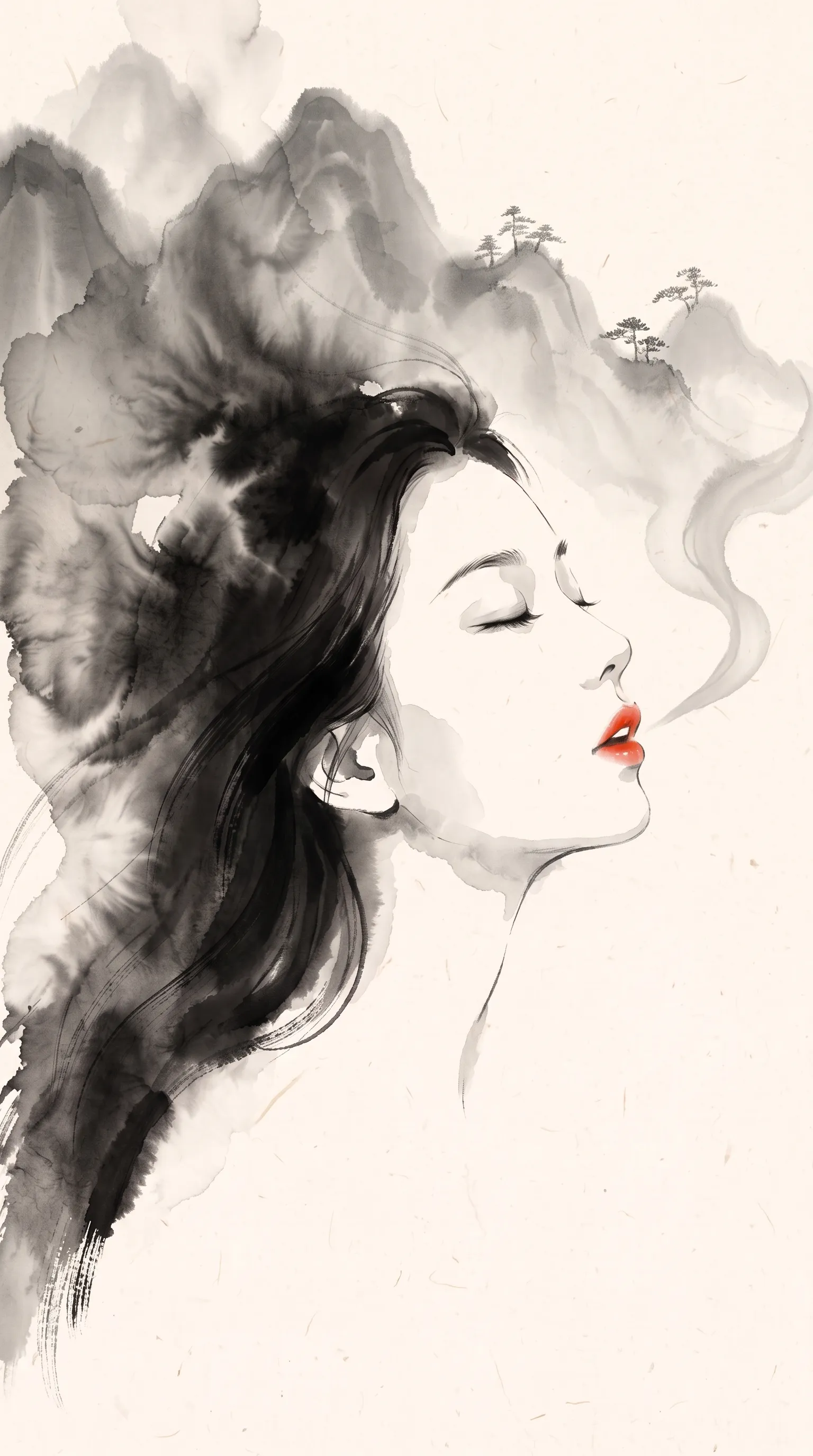
Last frame First and last frame
“Her vermilion lips softly part and she exhales… a long ribbon of pale grey ink mist… grows into a range of misty ink-wash mountains, matching the final frame.”
-
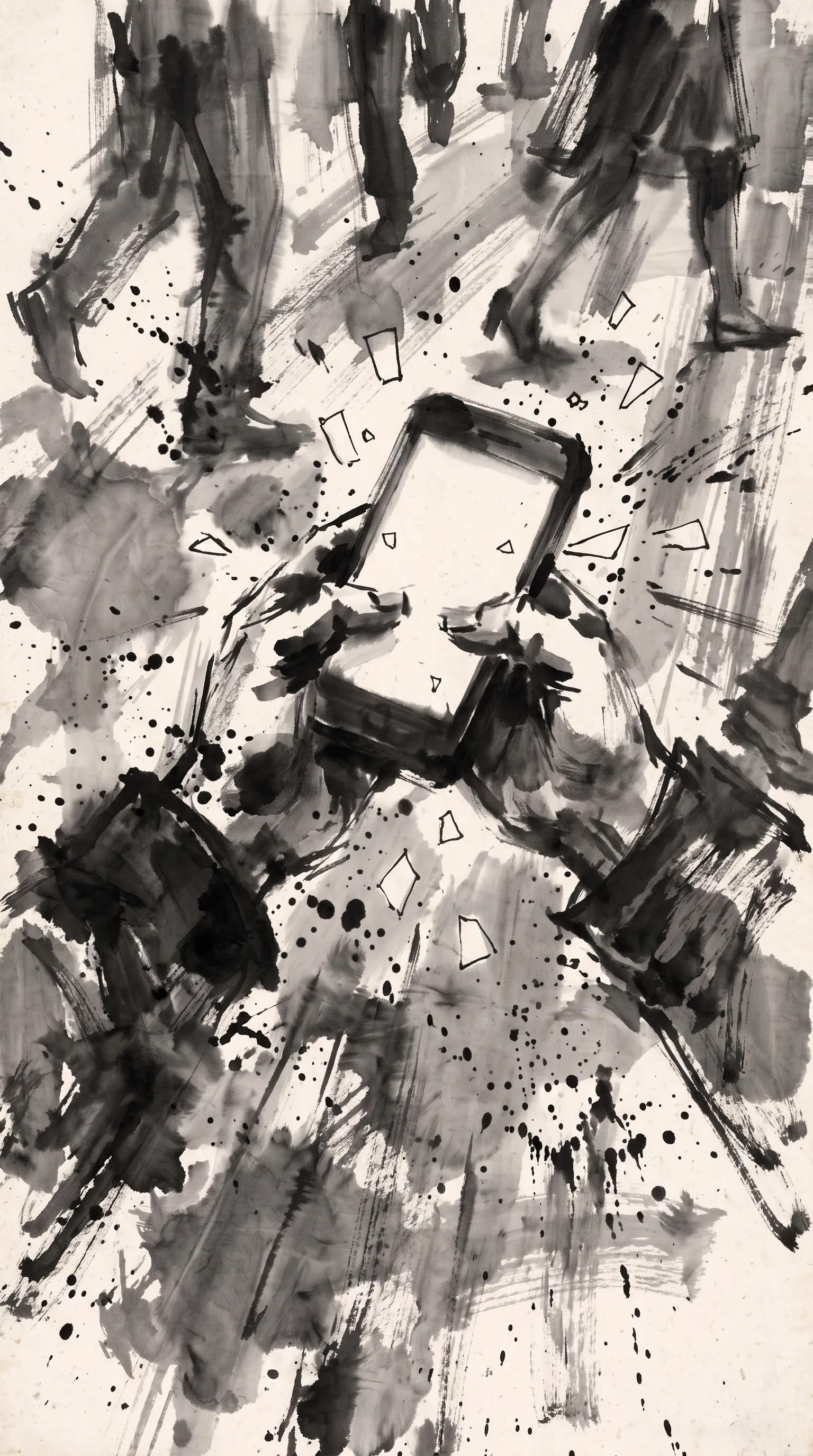
First frame
“Small blank paper message shapes keep popping out of the phone and flying past the camera; the blurred legs of other people hurry by.”
Each prompt names the camera (“one continuous shot with a very slow push-in”), the few things that move and how, and what must stay: an ink painting on rice paper, often with vermilion as its only colour. Each asked for silence, because the project made its sound separately: a sparse solo guqin score and a few effects, a drop of water, a brush on rice paper.
5. Shape ambience, effects and music separately
Describe the sound of the place and the audible causes of the actions that matter. A mug set down, rain easing or footsteps stopping can carry a beat without a score: in the kitchen scene the knock of the mug comes just before the end. Say whether music belongs in the generated scene, and avoid contradictions such as “a musical drone, no music”.
Across several clips, keep an accepted music cue as its own continuous track that bridges the cuts, instead of asking each clip to recreate the same theme. Keep the useful native ambience and effects, and rebuild individual sounds where needed. A native soundtrack is mixed: asking for sounds separately in the prompt doesn’t give you separate stems. The music and sound design guide covers the score and the mix.
6. How do you continue or edit a clip without changing the rest?
Decide which of three requests you’re making, because each preserves something different:
| Request | What it keeps | How to ask |
|---|---|---|
| Use this clip as a reference | The person, the object or the motion (Google’s Gemini Omni page): say which | Attach it as <VIDEO_REF_0> and name its role; its sound is ignored |
| Change this clip | Everything you name: performance, camera, timing, geometry, light | Ask for the one change and list what must survive; a rewritten scene invites a new interpretation |
| Continue after its ending | Positions, movement direction, props, light and sound, from the accepted ending | Describe the new action from that state; don’t restart the finished beat |
Cut the useful passage before attaching it. Google’s API takes at most ten seconds to change or continue a clip and three to use one as a reference; the whole submitted clip is used, from its first frame to its last, and the model won’t pick a passage from a long source. With a video attached, Omni decides the output’s length itself: a continuation runs 3 to 10 seconds. A last frame can set the next opening pose but carries no motion and no sound; a video carries both, so check whether the result continues it, repeats it or changes it. In the edit, keep the source passage and the new material distinguishable, so the ending doesn’t play twice, and check the cut for hesitation, a change of direction or voice, an ambience reset or music starting again.
After an edit, compare the revision with the original across the changed passage and its neighbours. A repaired object doesn’t excuse a changed face or a changed line.
7. Inspect the result and repair the actual defect
Watch the useful passage in motion and listen to it before building anything on it. Check the requested action and who says what, identity, objects that appear or vanish, contact with the ground, collisions, the background, and cuts you didn’t ask for. A quiet close-up and a running character need different attention.
Then find the defect and choose the smallest repair that keeps the good work: trim, choose another take or move a cut when the problem is editorial. When the picture works but a line doesn’t, record the line with a chosen voice and align it to the picture. Replace the shot only when identity, staging or motion is too broken to keep.
One limit to know: Google’s safety filters, which vary by region, check both the prompt and the generated video, and block prompts that violate its usage policies. Changing the framing, the size or the duration doesn’t repair a refusal, so don’t retry it as a technical failure: keep the shots that worked and choose another approach for that one.